Antigravity A1 Follow Me Bundle: Solo Drone Shots on a Motorcycle
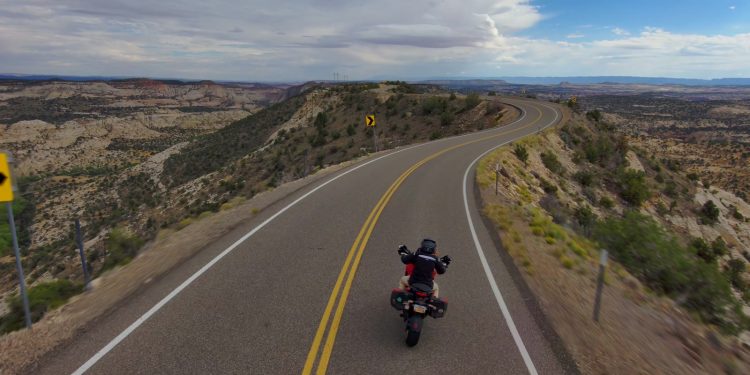
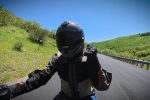
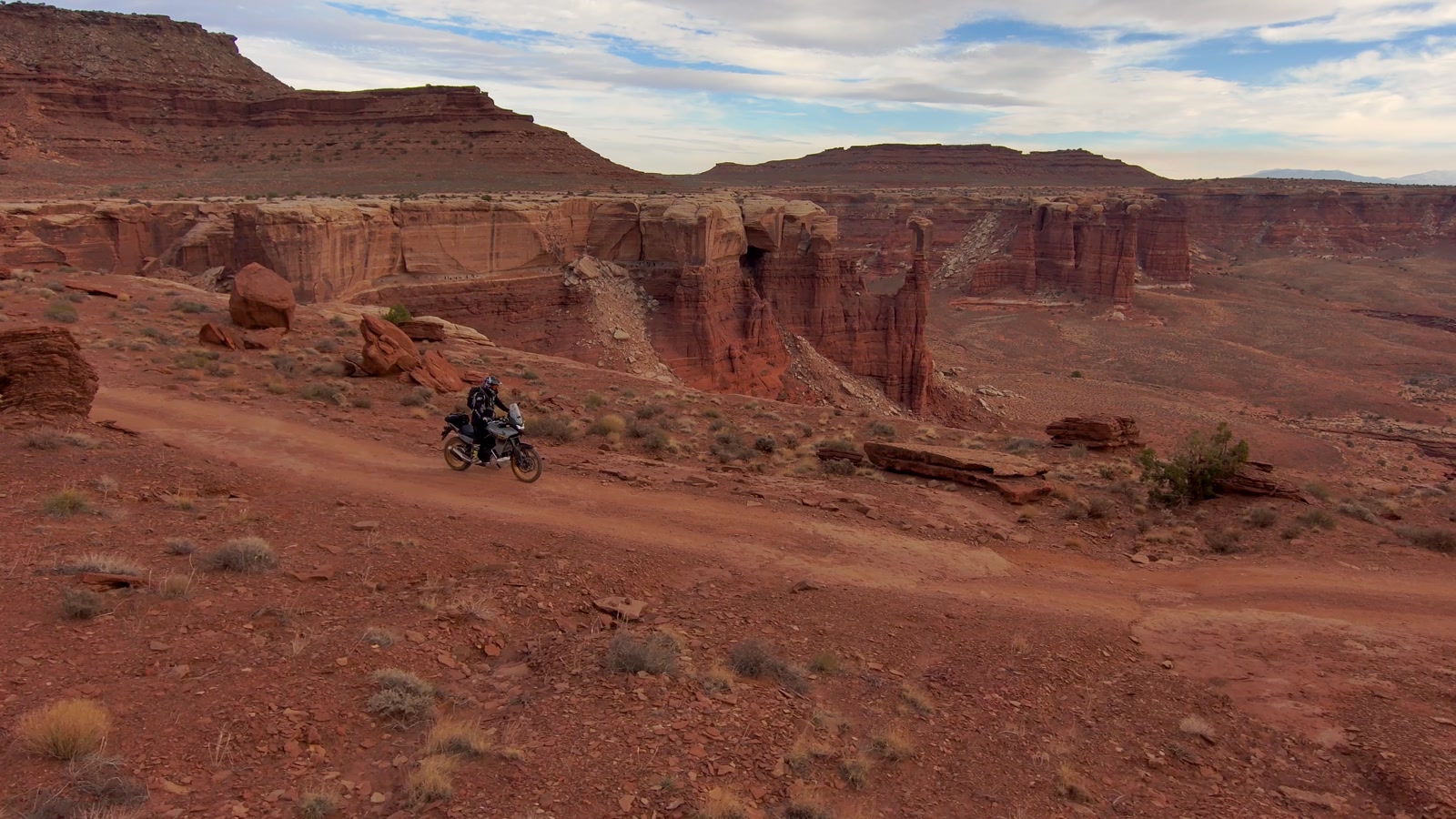
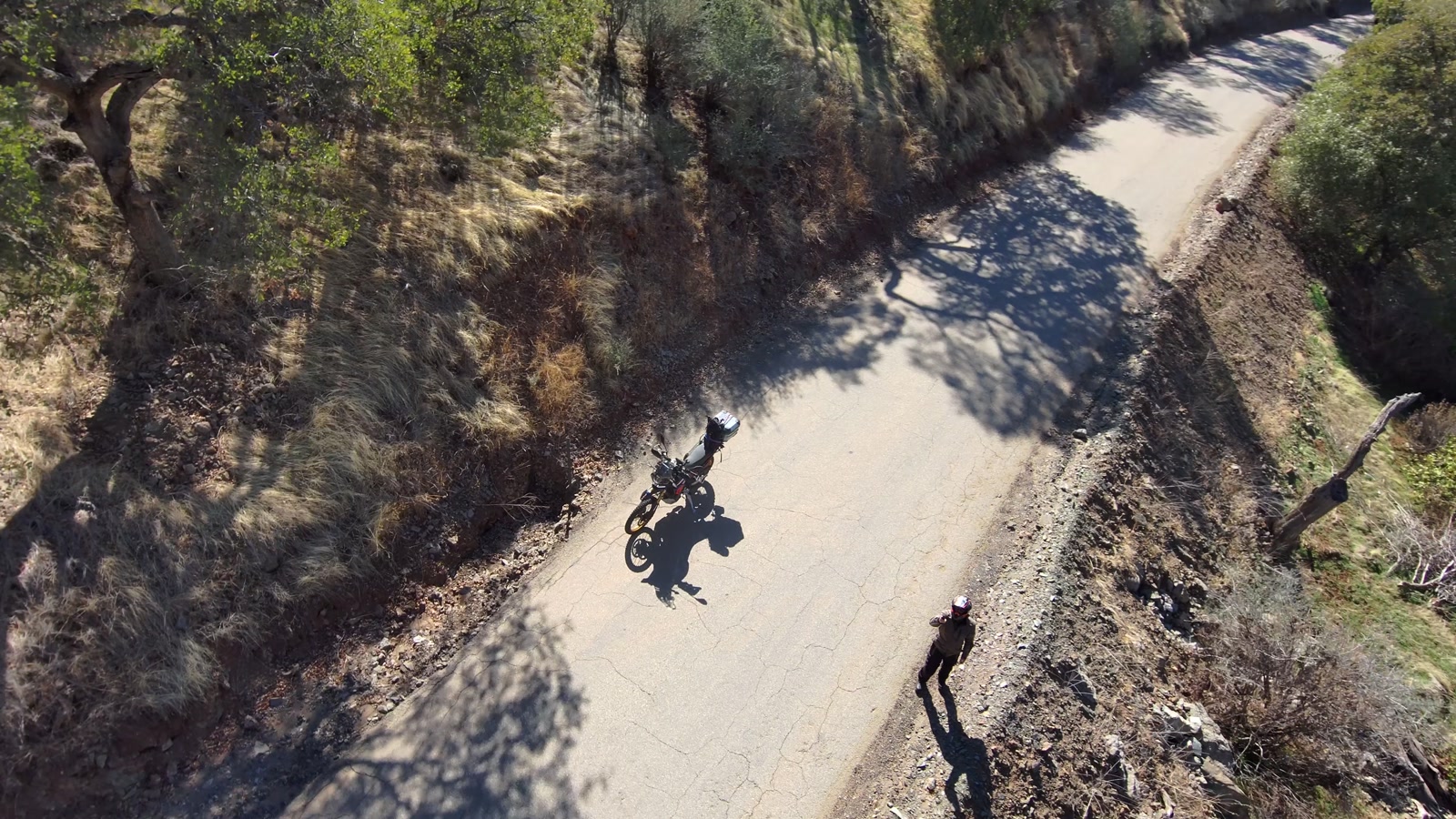
Here is a clip of a really good road, shot from the handlebars. You have seen a thousand of them. Mount the camera on a pole off the bars and it gets better, because now the shot has a subject: the bike and the rider. Put the camera in the air, though, and the same road, the same ride and the same rider become a place you want to go.
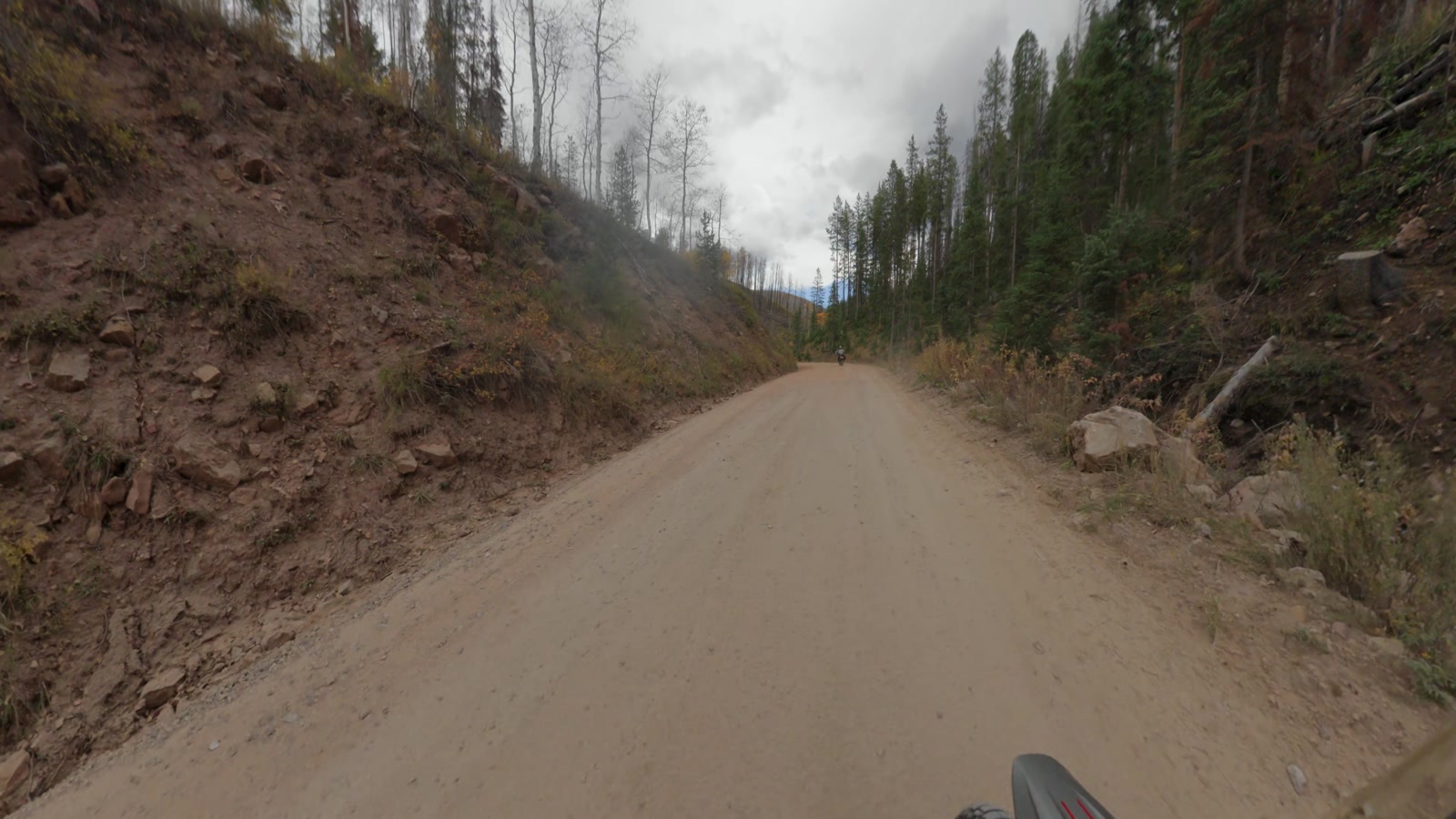
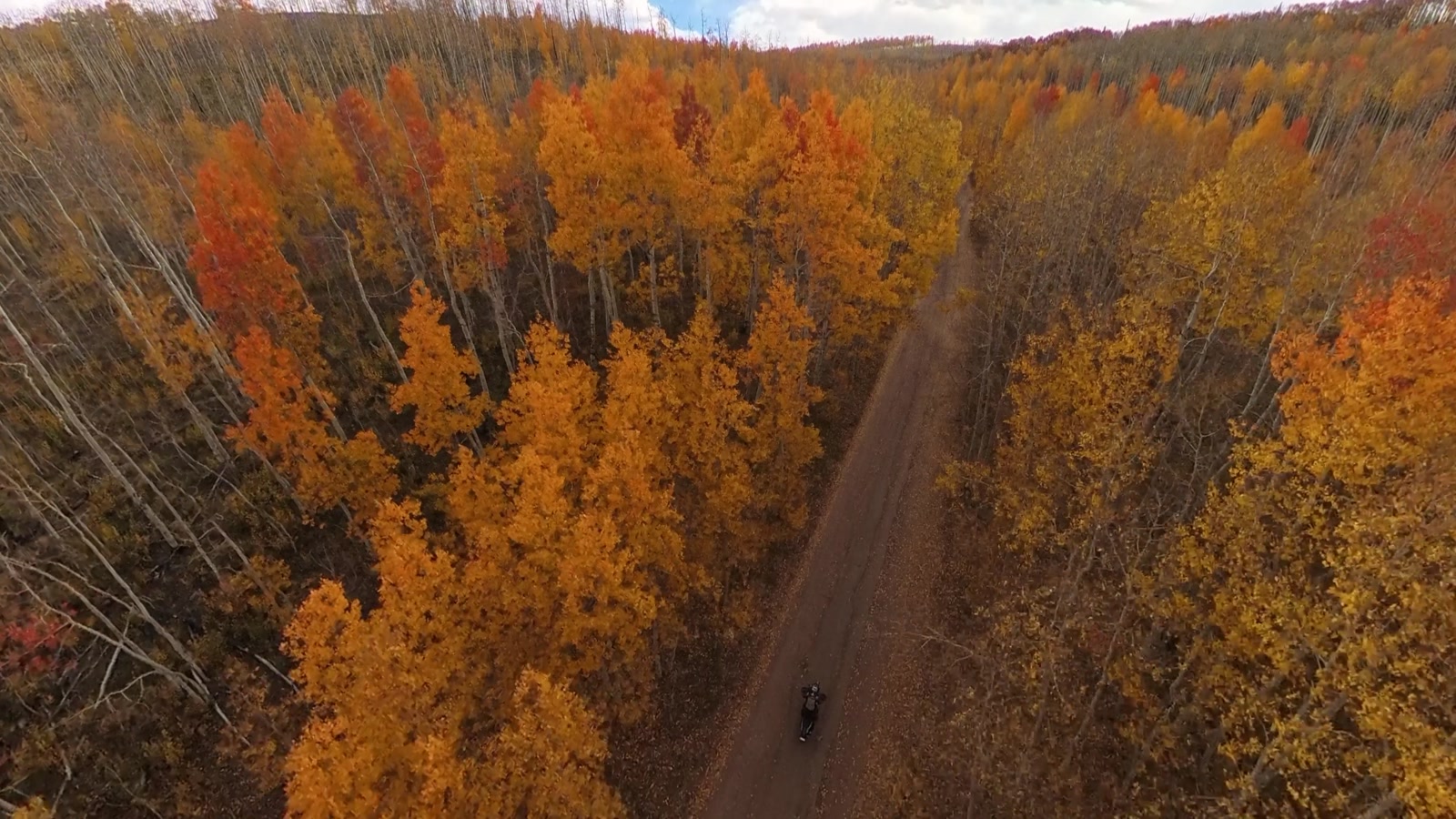
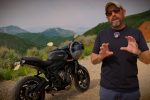
I got that aerial shot by myself, with no pilot and no controller in my hands, using the Antigravity A1 Follow Me Bundle. Antigravity sponsored the video above, so take this as a field report from someone who uses the thing, not a lab review. For the record, every drone shot on this channel over the past year came out of the A1, and if Antigravity pulled the sponsorship tomorrow I would keep flying it.
Why Establishing Shots Matter in Motorcycle Videos
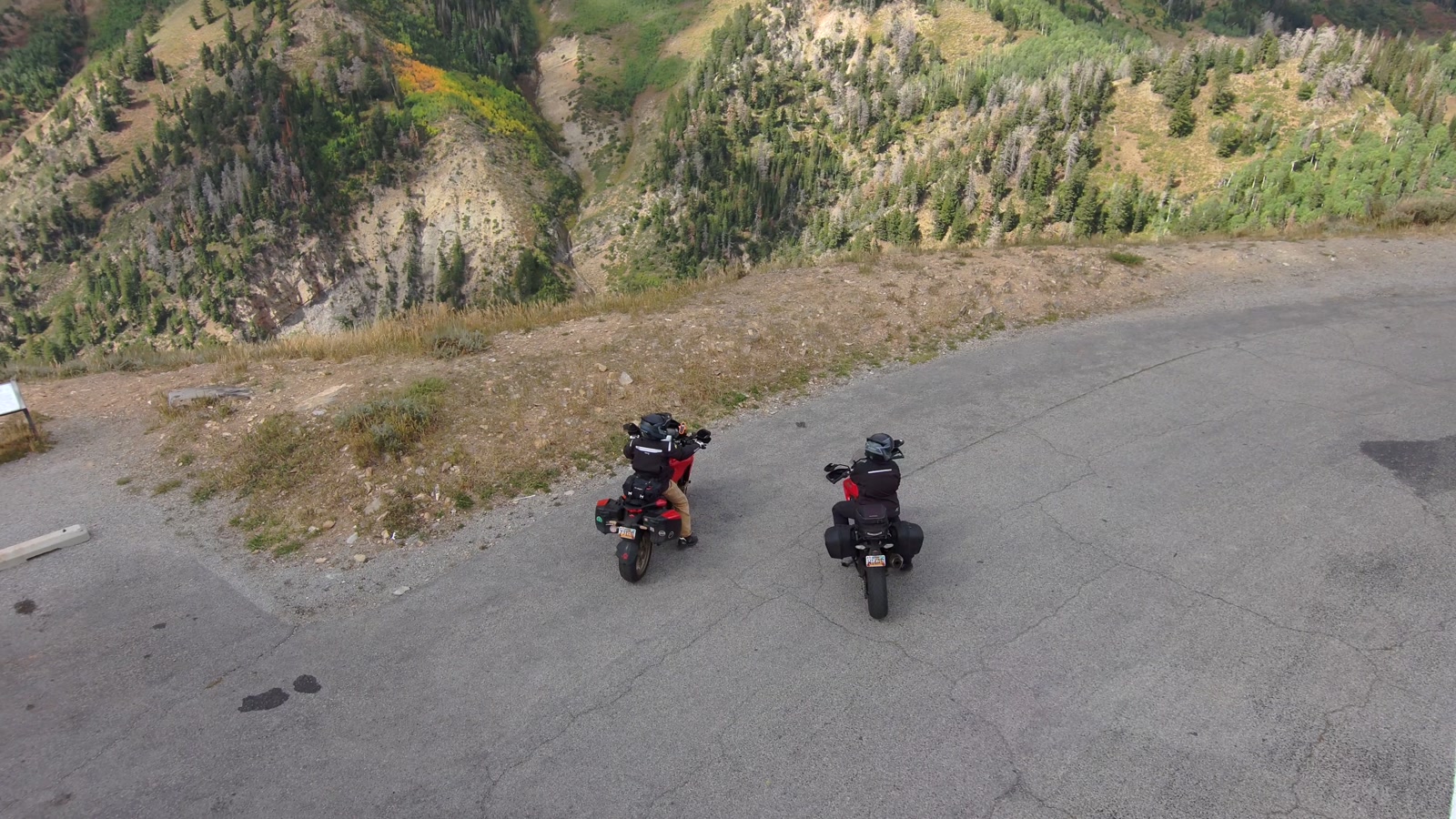
POV footage is everywhere, and most of it is boring. Nobody wants to watch your speedometer for ten minutes. A camera on your helmet can’t show that the road drops two thousand feet into a canyon, or that there is nothing out here for forty miles. That is the job of an establishing shot. It tells the viewer where we are, how big it is and why riding a motorcycle is so impossibly cool, before anybody says a word.
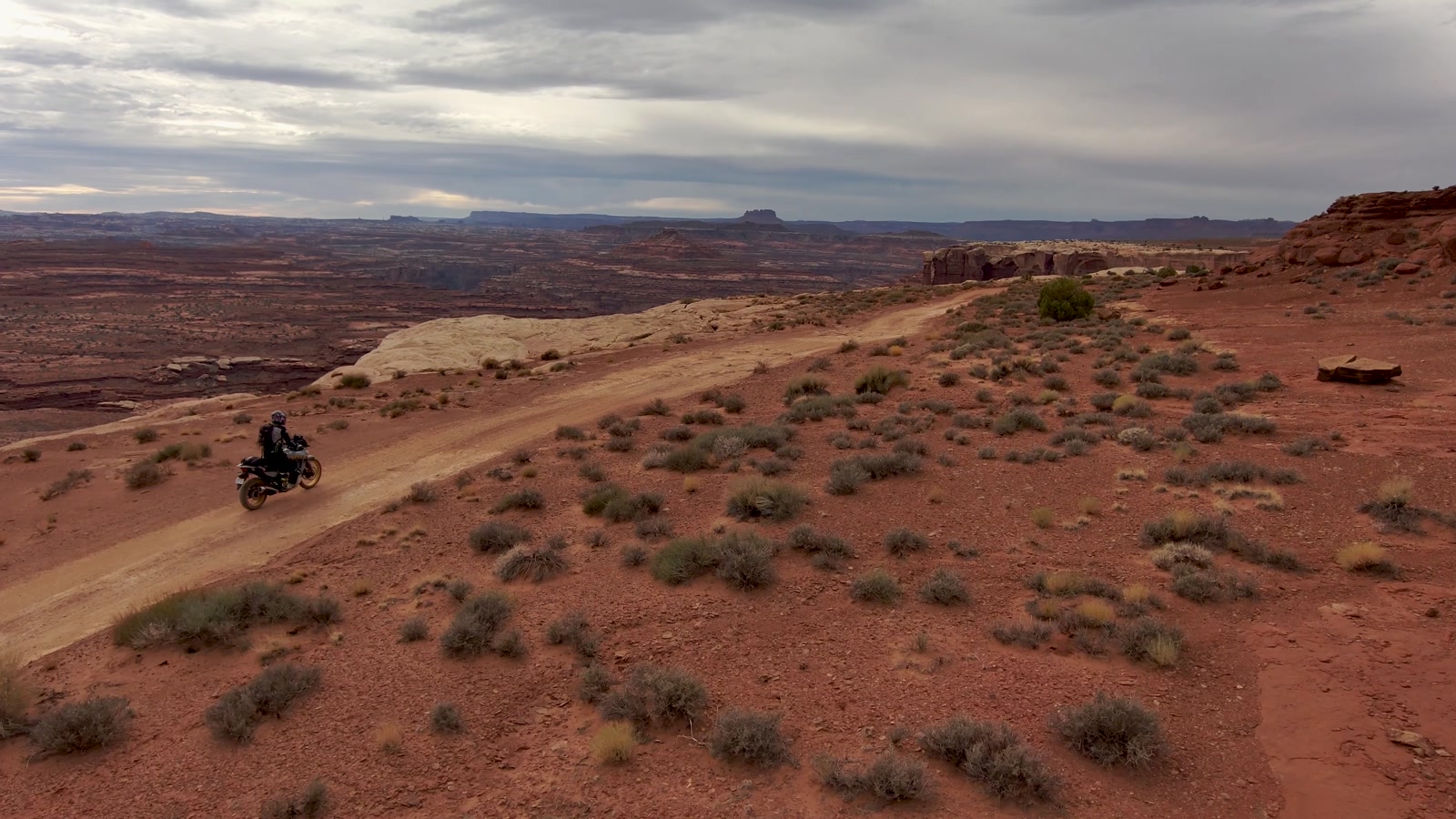
A video shot is like a sentence. It needs a subject. It needs someone in the shot.
For years, getting that kind of shot meant bringing a second person, or spending a lot of time on the side of the road with two sticks under my thumbs, trying to fly and frame at the same time. Most days I have neither the person nor the time. I’m a solo creator, a one man band, and that is exactly the problem the Follow Me Bundle goes after.
What’s in the Antigravity A1 Follow Me Bundle
The A1 itself is a 248 gram 360 drone (more on why 360 matters below). The Follow Me Bundle adds three things: Full-Coverage Propeller Guards, the Watch Remote and the Ring Remote. That’s the whole kit. No goggles, no controller, and it fits in my tail bag or backpack with room to spare.
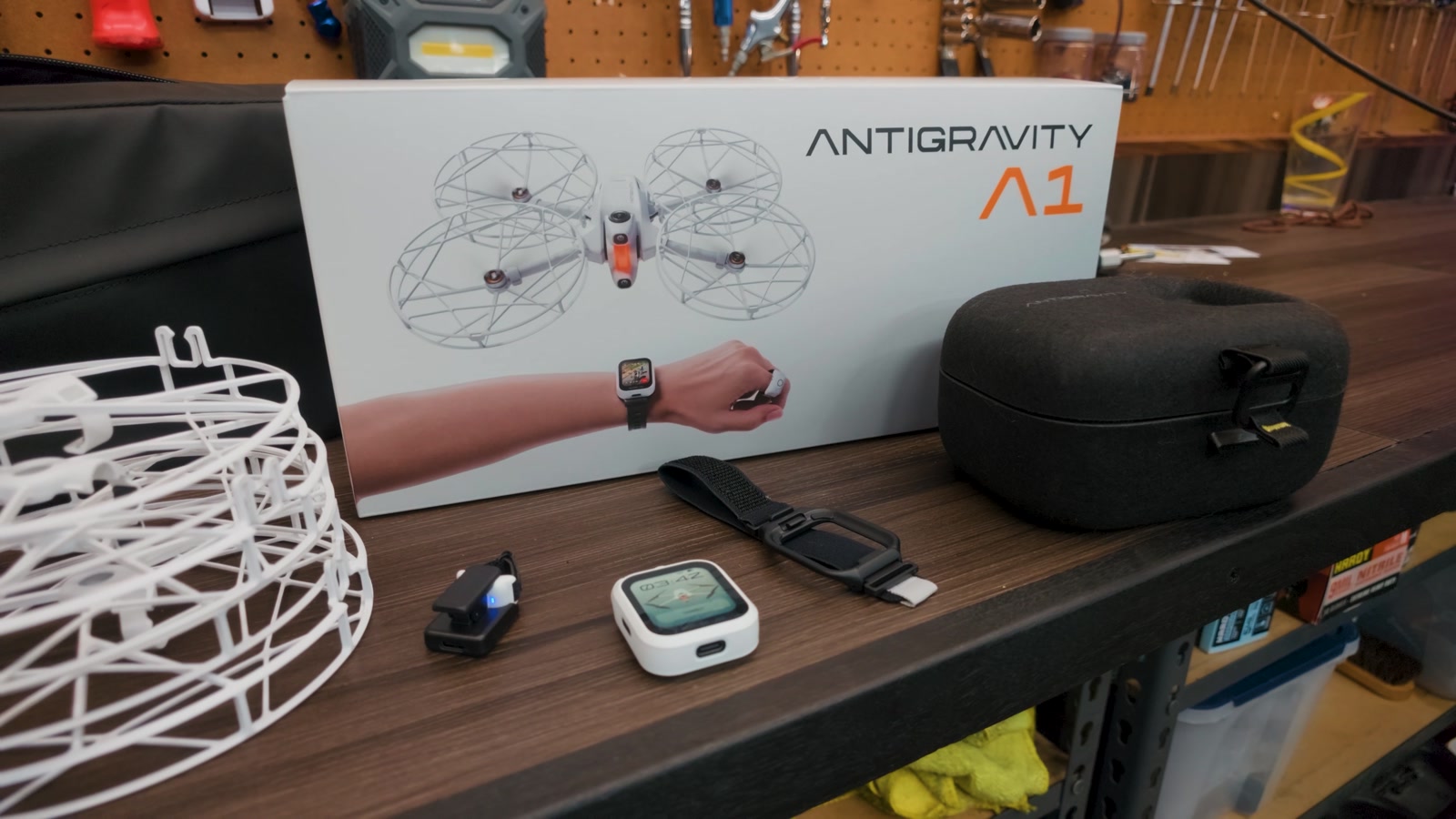
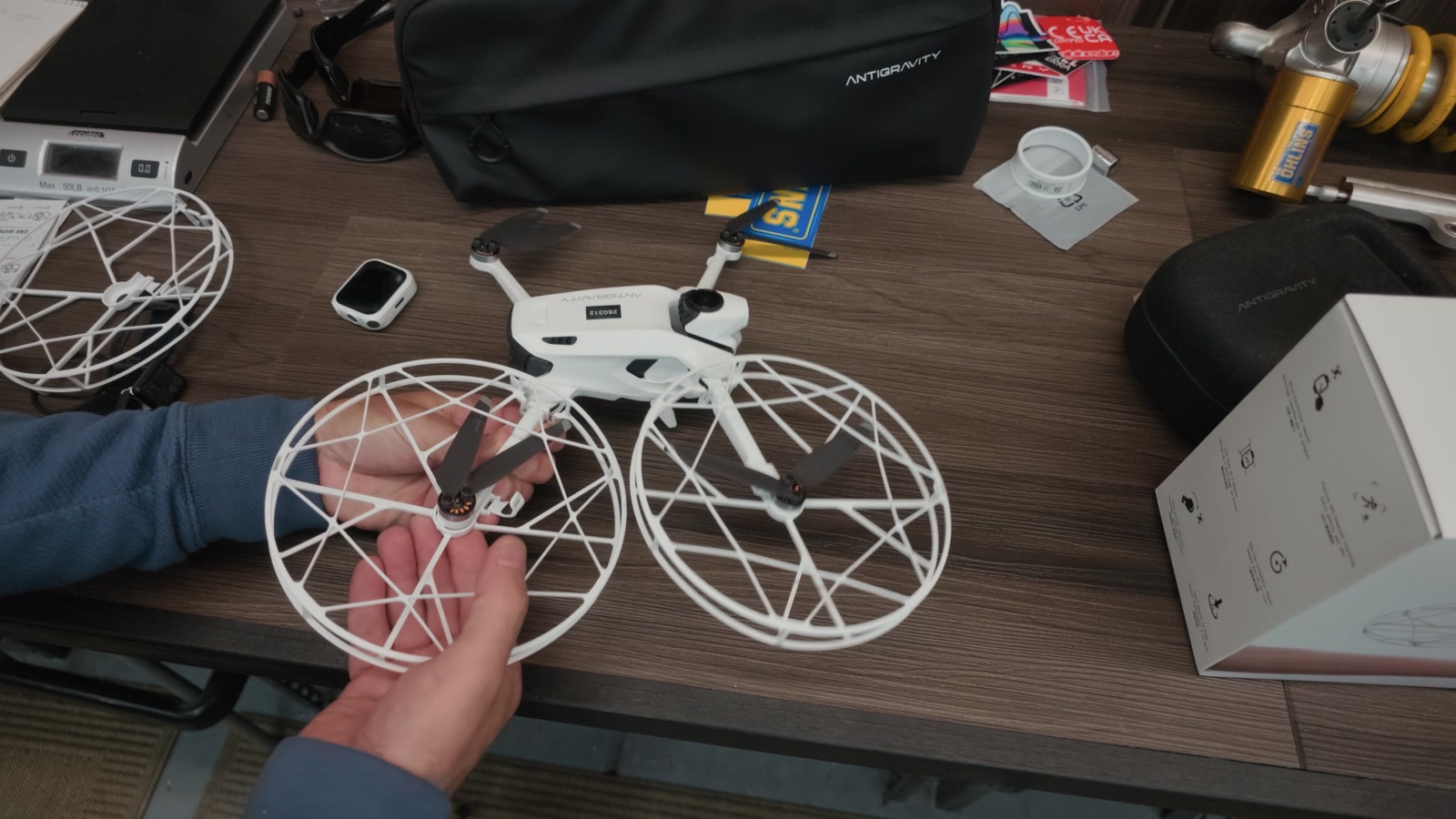
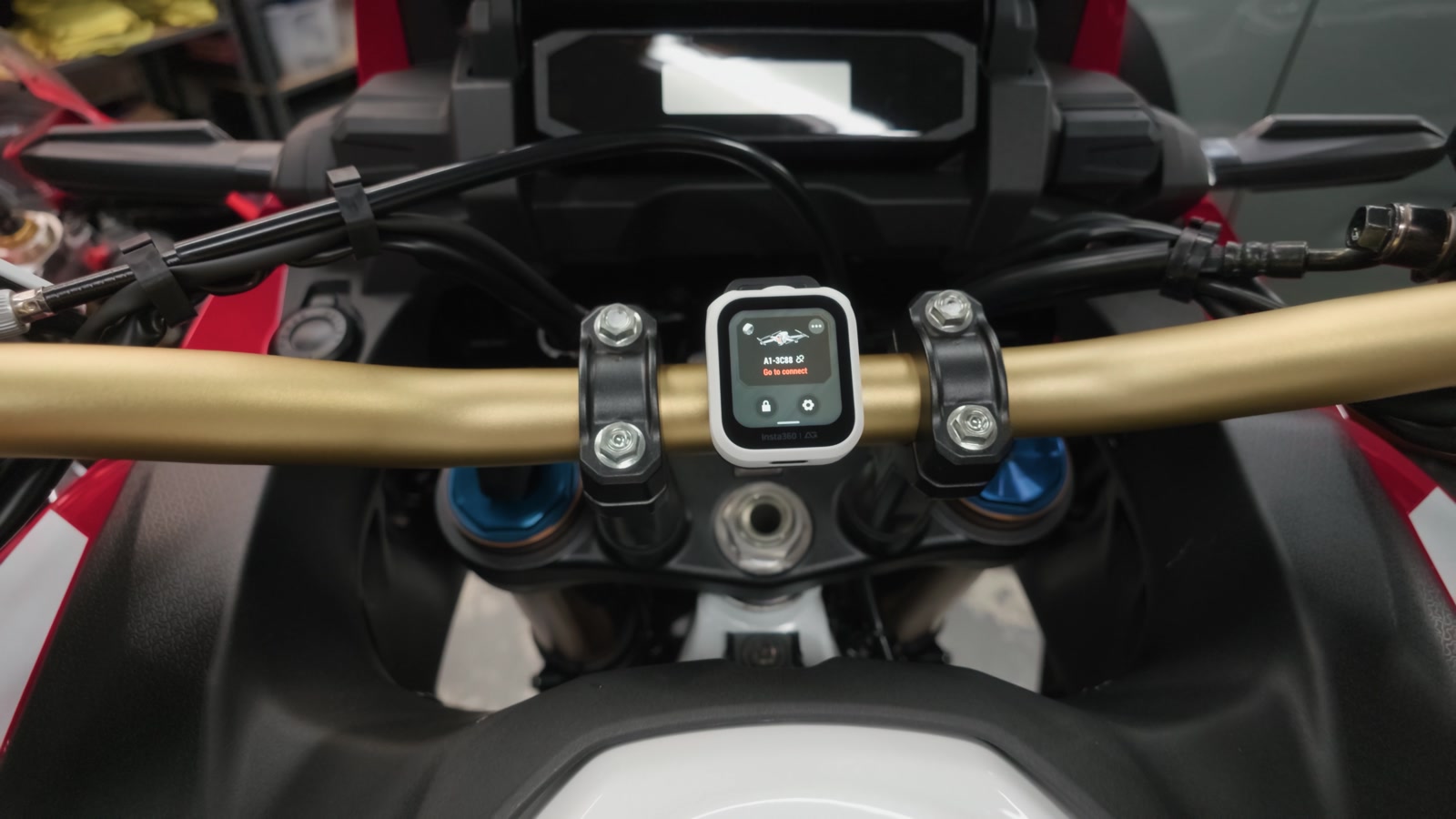
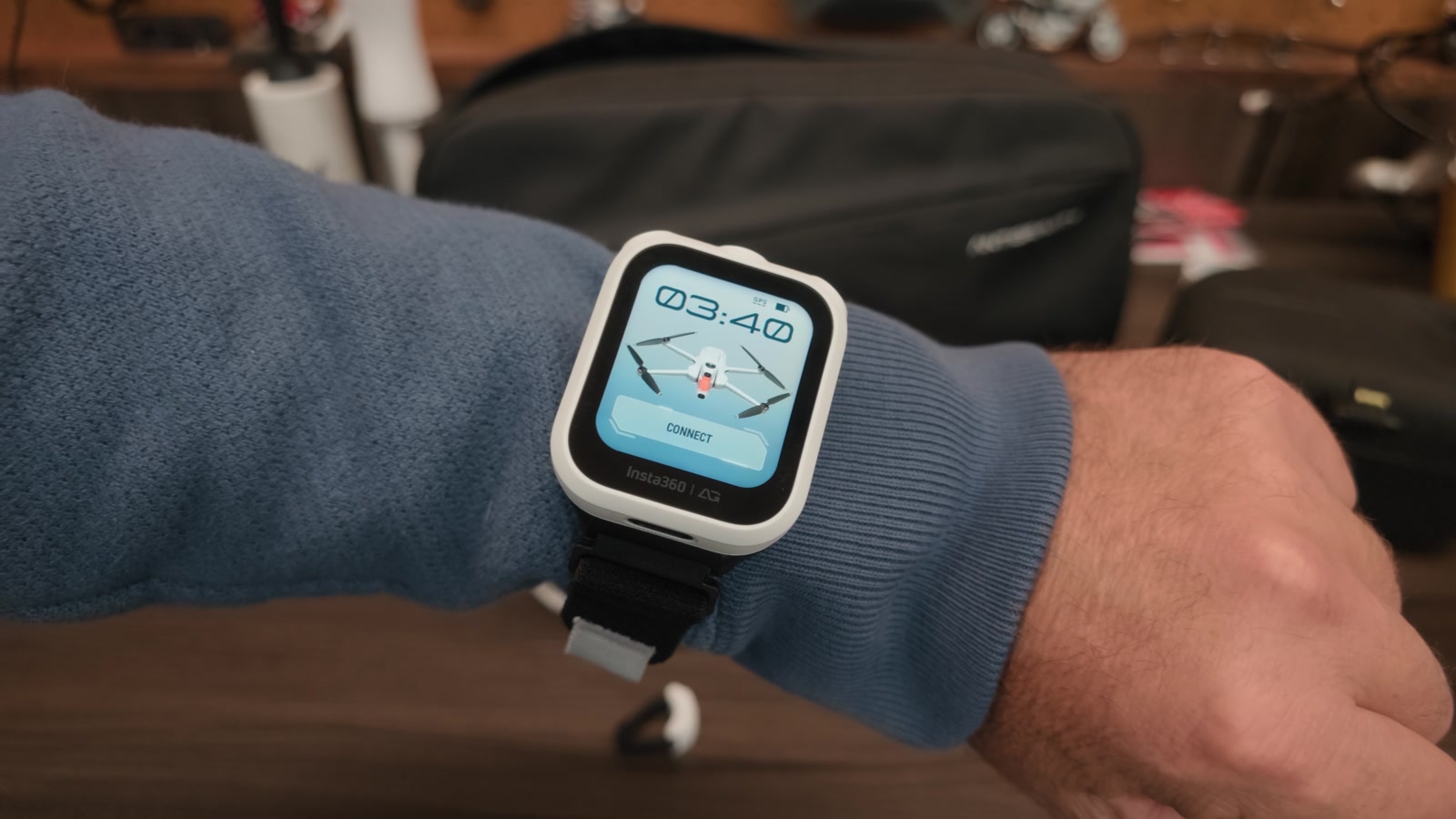
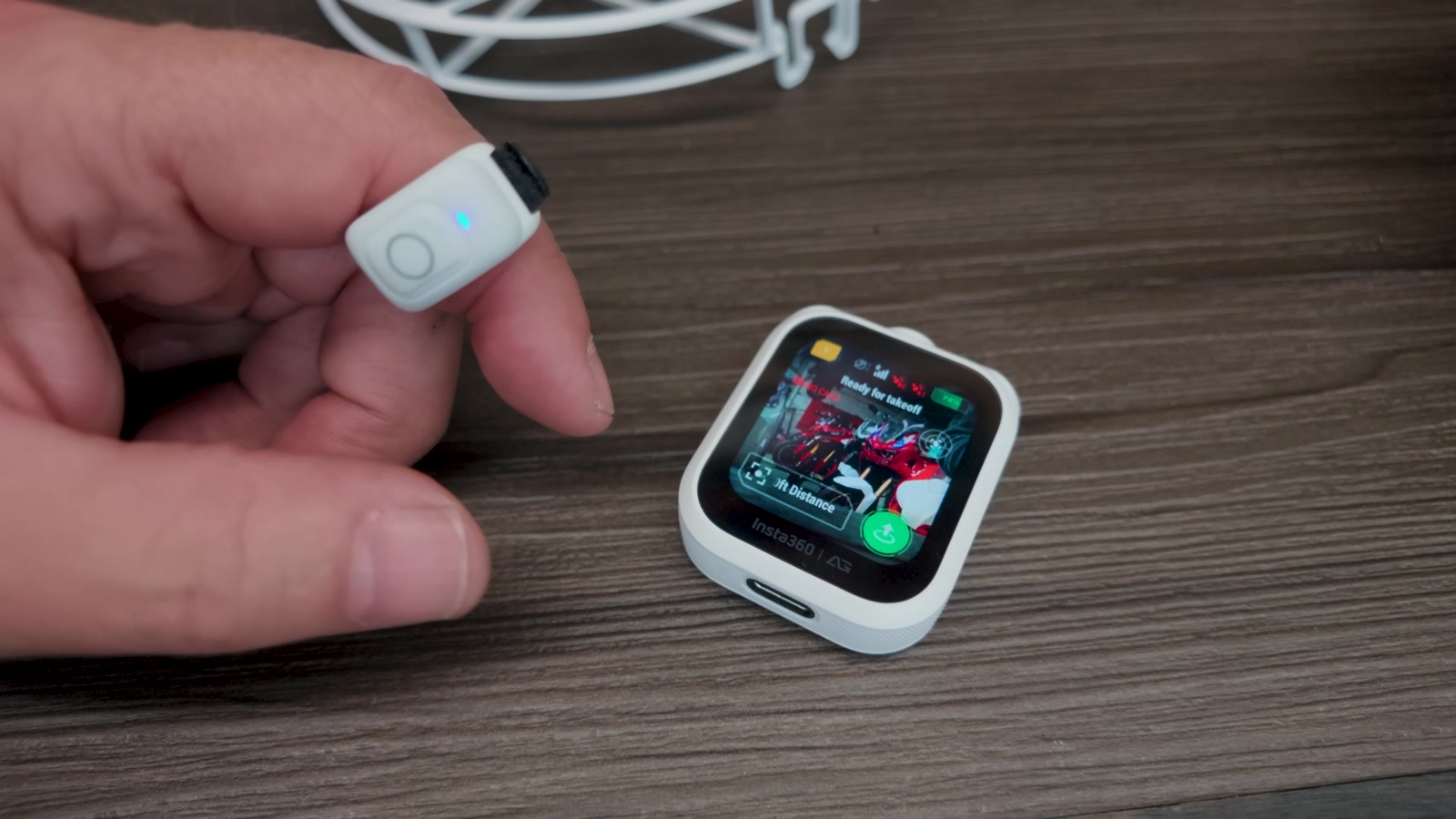
The Watch Remote is meant for your wrist, but I don’t wear it like a watch. It comes with a handlebar mount, so on the bike it sits up by the dash like one more gauge. It is a touchscreen, and we ride in gloves, so my rule is simple: screen work happens parked, with gloves off. Launch the drone, choose the setup, ride a short way, stop and catch the drone, then move to the next spot.
Sky Genie: One Tap, One Shot
Beyond the traditional follow-me modes, the Watch Remote has Sky Genie. Tap one move and the A1 flies it on its own: Orbit, Fly Away, Spiral Ascent and more, and each one can be tweaked for speed, distance and elevation.
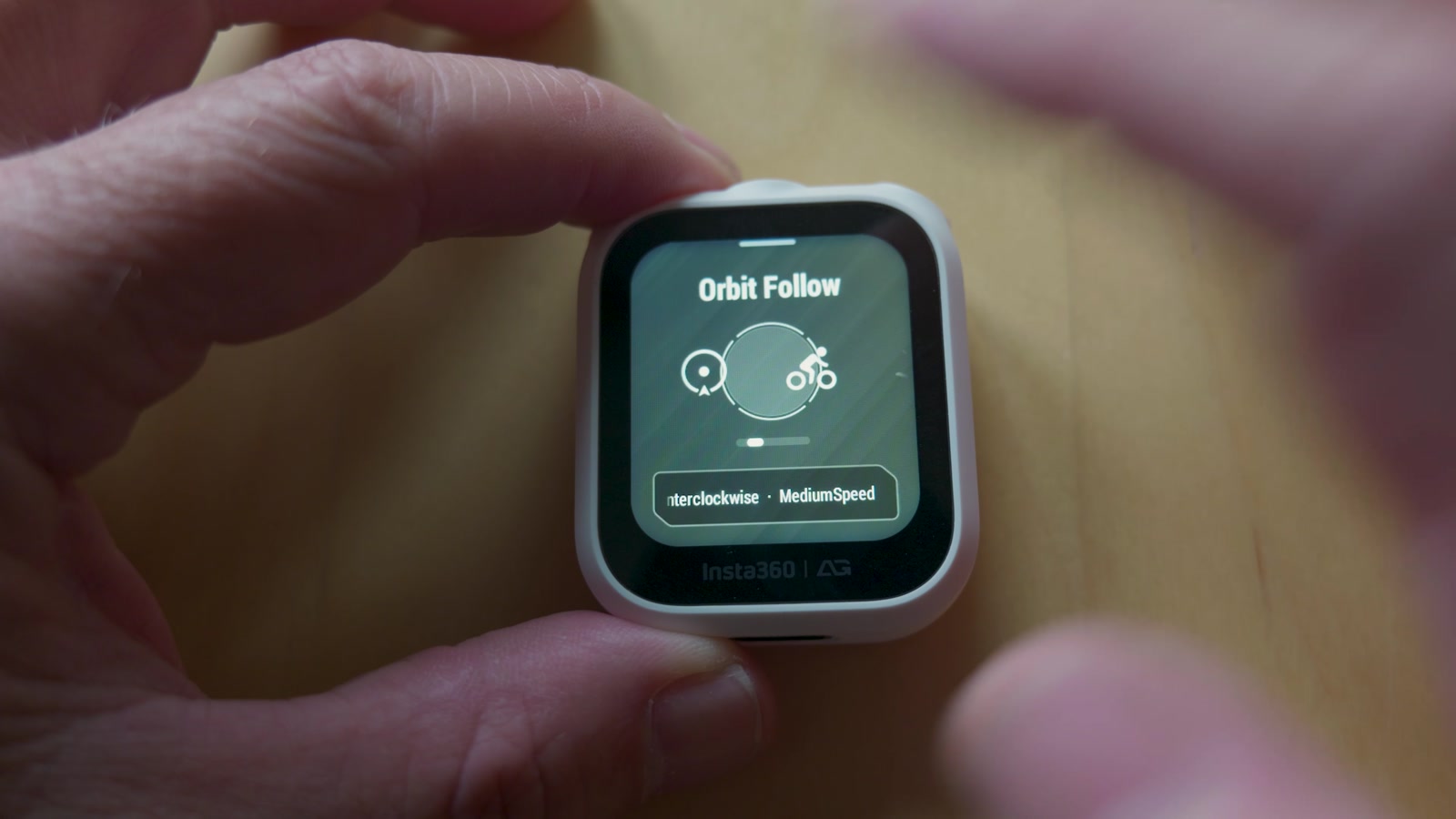
Honestly, I don’t use them that often, but they are objectively cool. The Orbit orbits. Fly Away flies away for a reveal. If you are new to drone footage, Sky Genie is a great way to come home with good shots from your very first flight.
Drag-to-Fly With the Ring Remote
The more useful trick is when I want to place the drone myself. That is the Ring Remote’s job. It pairs through the Watch Remote, and the feature is called Drag-to-Fly: press and hold the button, move your hand, and the drone moves with it. Up, down, left, right, closer, farther. It makes you feel like a Jedi.
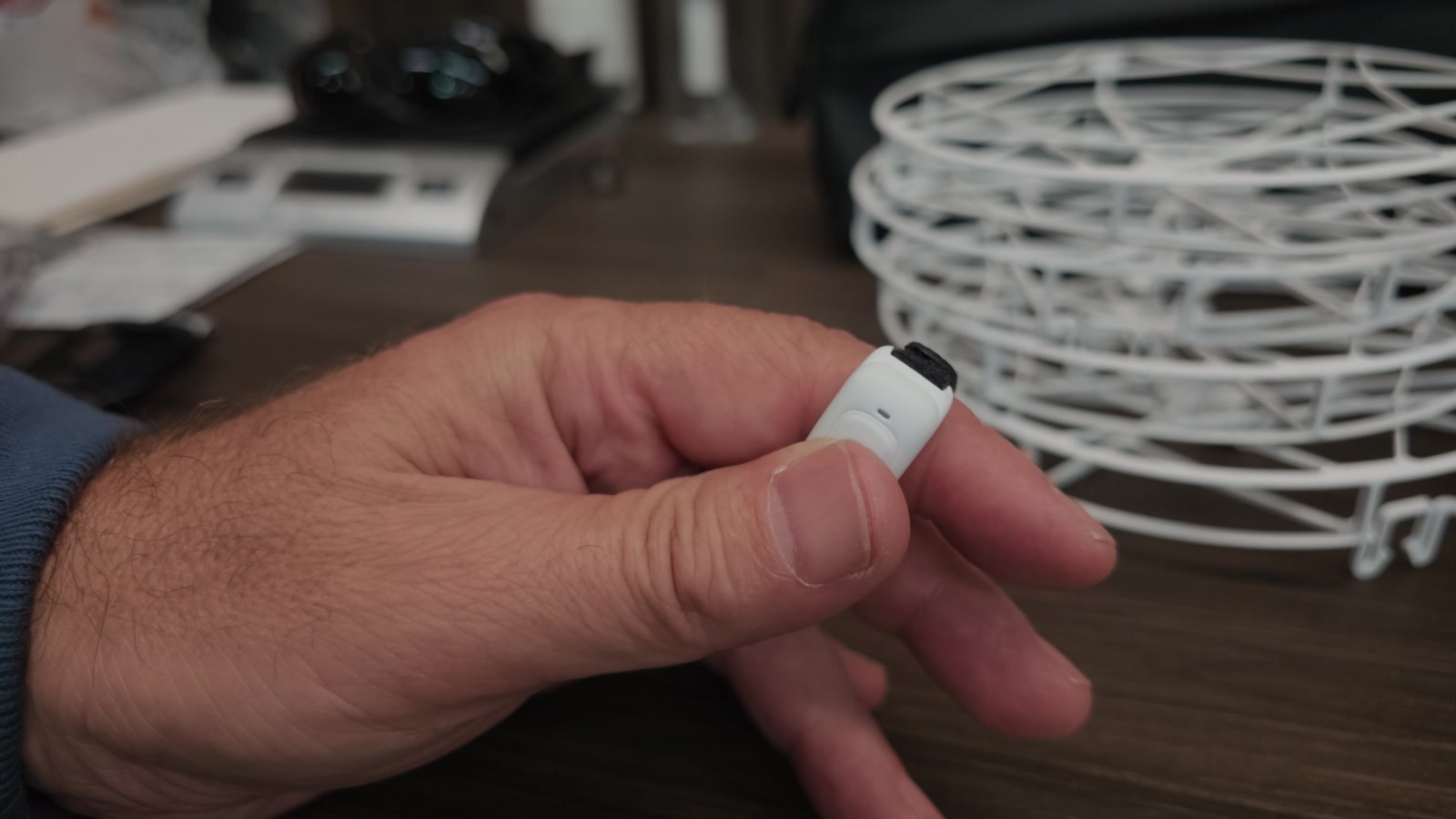
Hold the button, put the drone where you want it in a few seconds, and you are done with zero stick time. It is wonderfully simple.
Why I Fly a 360 Drone: One Pass, Several Shots
The reason I keep reaching for a 360 drone over my older conventional drones is the same reason I favor 360 action cameras. You frame the shot later, in the edit, which means you can reframe the same pass several different ways and get multiple shots out of a single flight.
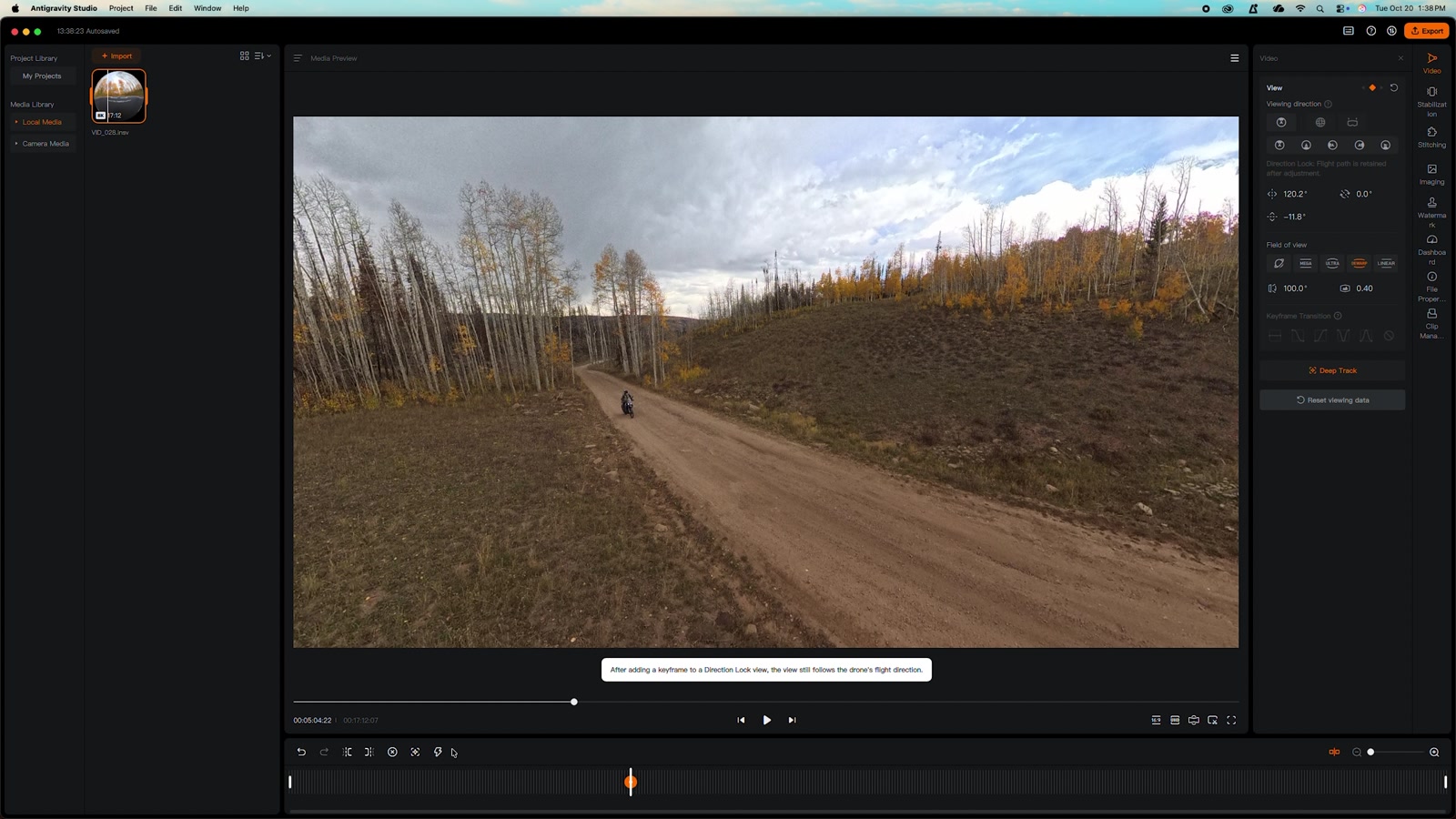
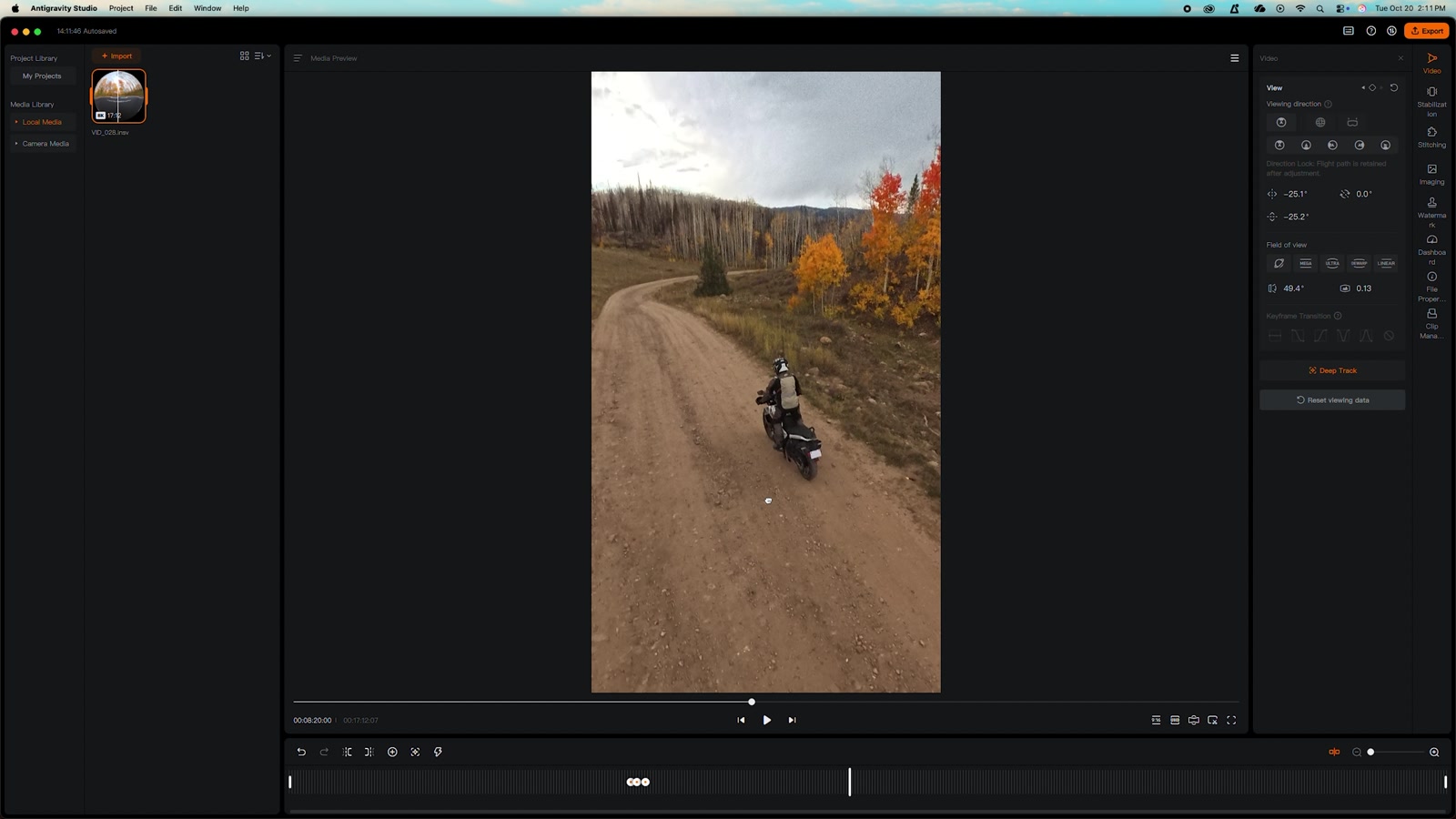
In the edit you can lock Deep Track onto the bike and it stays centered, or use keyframes to point the camera wherever you want, including adding camera movement to what was a simple follow shot. Frame shape works the same way: 16:9 for TVs and YouTube, or reframe it vertical for the other social platforms. And when I’m short on time, the AI editing in the phone app will build a cut in seconds, right there in my hand.
And Yes, It Will Follow You
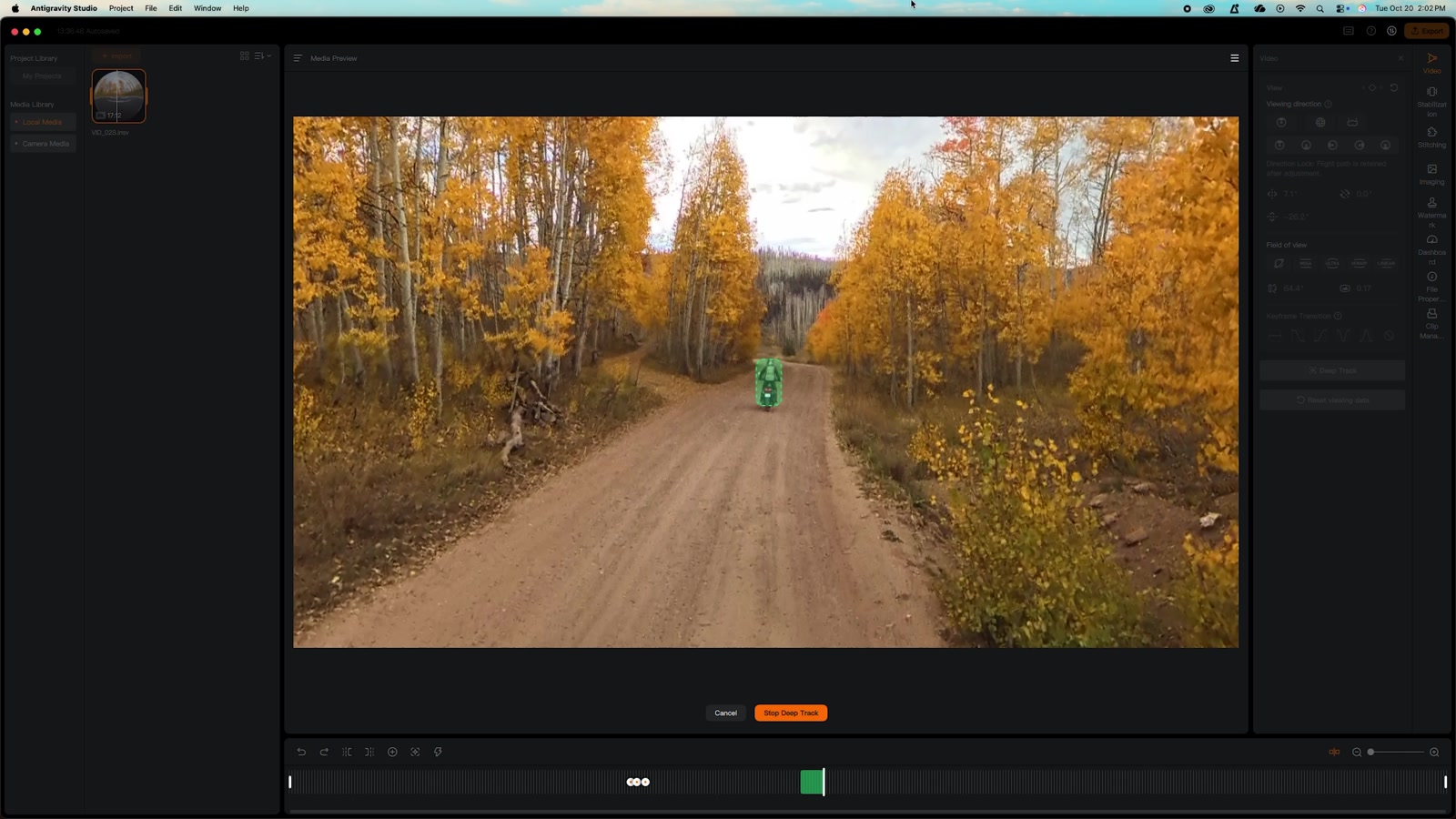
It is called the Follow Me Bundle, so let’s talk about following. Once the A1 is in the air, wave over your head to lock the track and away you go.
Of all the follow features, Deep Track is the one I find most useful, because it lets you decide how and where the drone follows you. You choose the distance and altitude on the Watch Remote, so I set up the shot I actually want and the drone holds it.
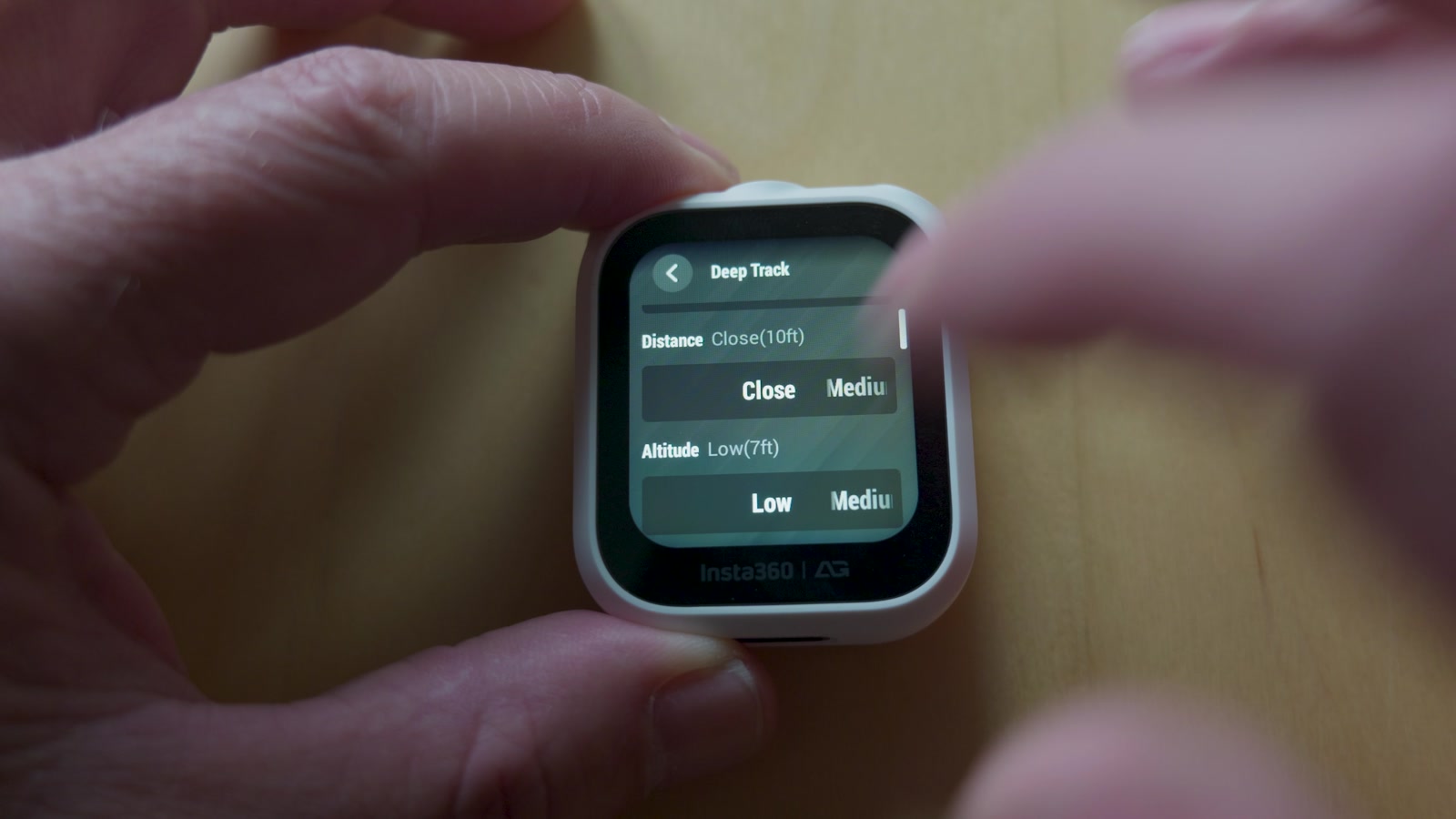
Precision Deep Track watches you with the camera, but it also pulls your position from the GPS in the Watch Remote. Antigravity’s line for this is “it never loses you.” Visual tracking alone can lose you behind trees. Add GPS and the drone is far less likely to get lost.
The follow concept is what makes this bundle so brilliant, and I love what it lets one person do. It’s also where you need to think hardest.
How to Fly Follow Me Safely on a Motorcycle
Here is what I have learned about getting usable results without doing anything stupid:
- Keep the drone in sight. Legally you are supposed to have eyes on the drone at all times. A buddy riding behind you, watching the drone and talking to you through your headset, keeps you legal. Yes, that kind of negates the whole solo thing.
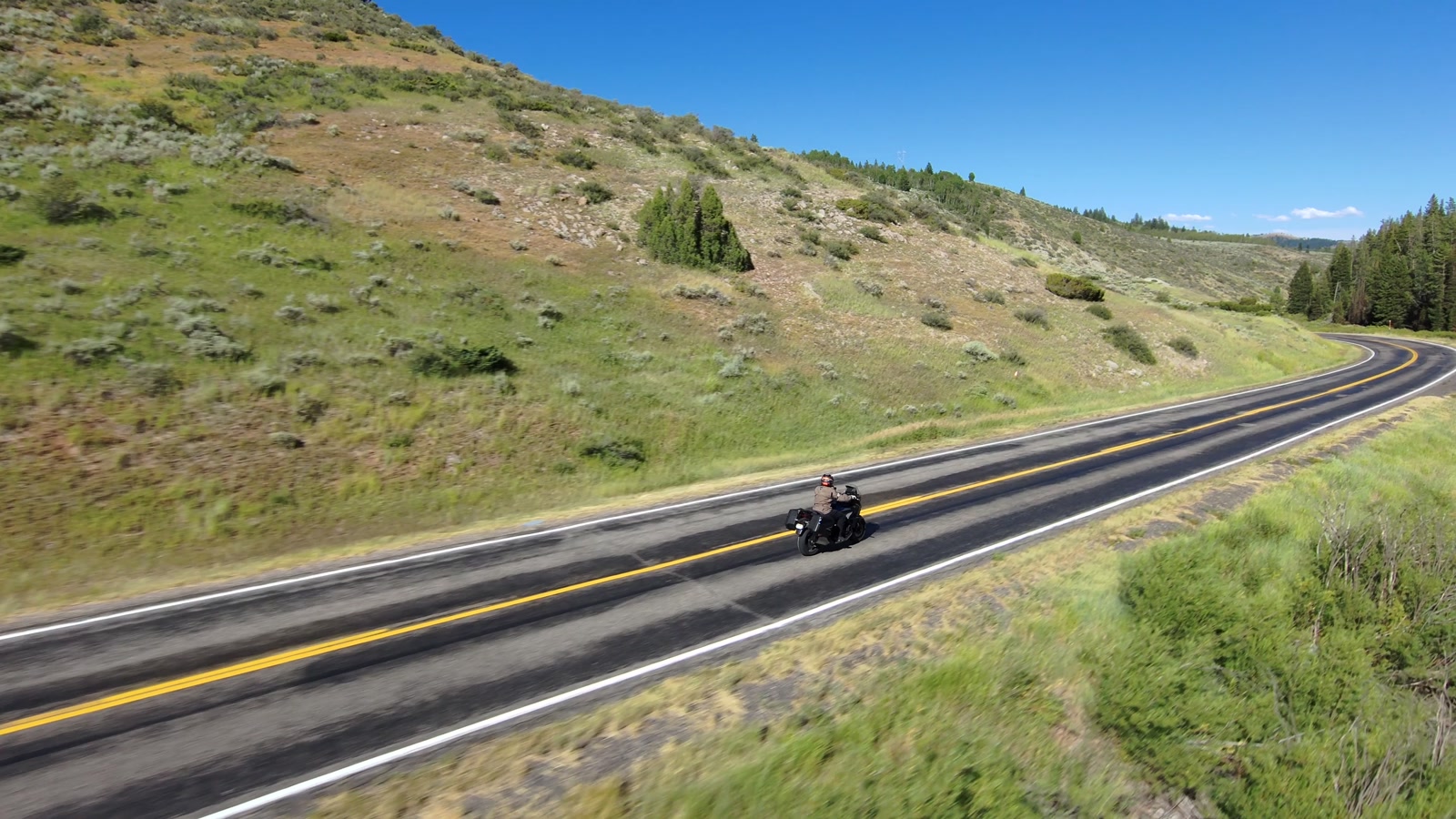
- Don’t fly over the road. At 248 grams the A1 falls into the friendliest legal category, but you still don’t want it over traffic, and you certainly don’t want to put it into an oncoming semi’s windshield. I mostly fly three-quarter forward shots: I can see the drone, and it is not over the road.
- Speed is about proximity. Max tracking speed is 10 meters per second, about 22 mph, but cameras can’t see speed. What reads as fast on screen is how close the camera is to the things going past it. A low, close shot at 20 looks quicker than a high, wide one. Flying low has its own risks, so pick appropriate locations.
- Watch for thin stuff. The prop guards and omnidirectional obstacle avoidance are like ABS on a motorcycle: you want it there, but you never want to use it. The real threat is narrow things like leafless trees, reflector posts, snow poles and power lines. Something that skinny gives the drone very little to see, especially against a busy background or in low light. Pick open spaces with no wires anywhere near the road.
- Riding comes first. Don’t crash your motorcycle chasing a shot. Set up the shot, ride a short distance, then stop and catch the drone.
- Keep it short. Nobody cares about a pretty shot that runs for twenty minutes. Video is about story, and the drone’s job is to set the stage. A minute of footage is plenty to work from.
Goggles vs. Follow Me
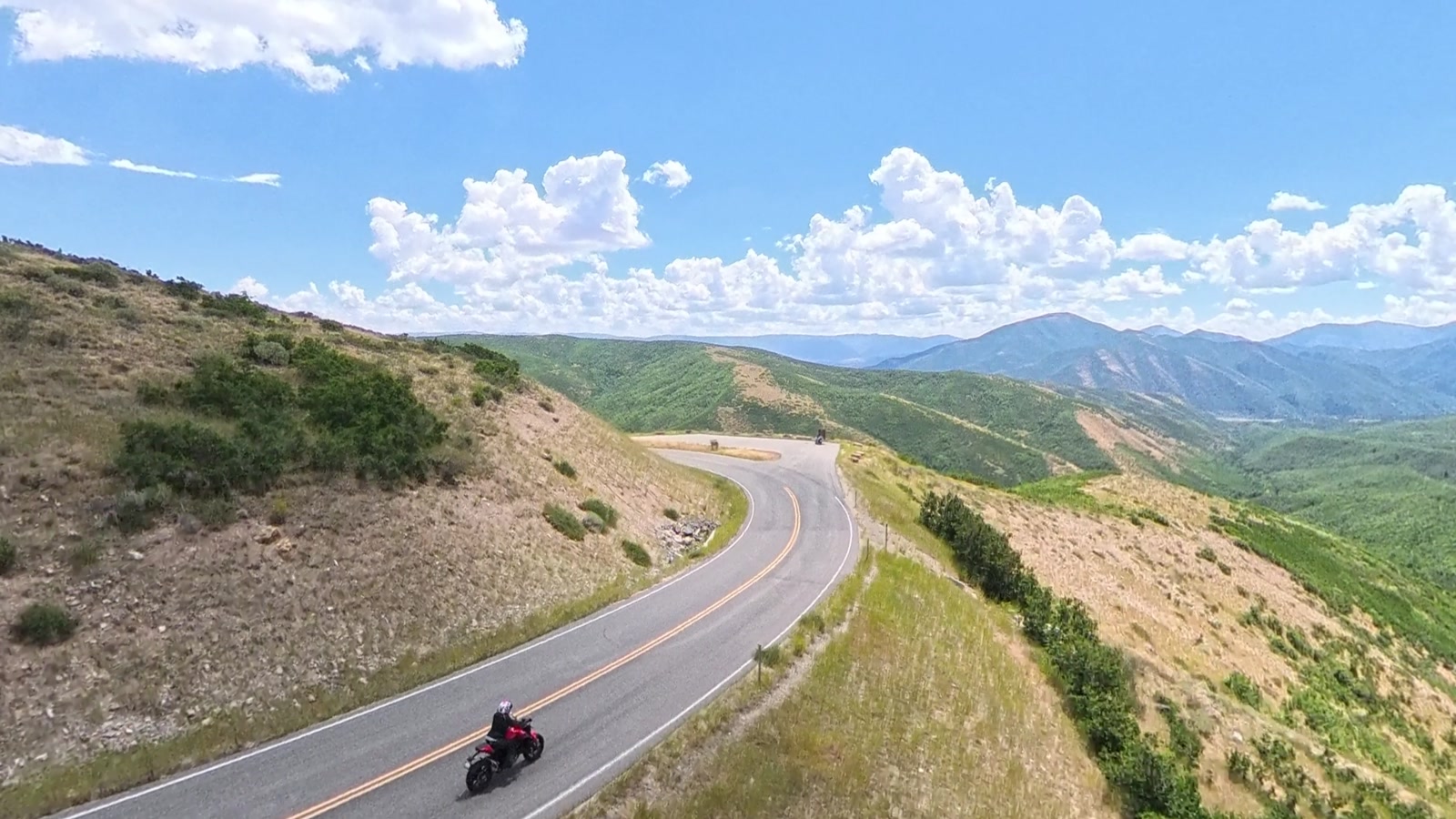
The most powerful way to fly the A1 is still the Vision Goggles. You are sitting in the sky, looking anywhere you want, and you can put the drone exactly where the shot is. But somebody has to be wearing those goggles. Either you bring a pilot along, or you are the pilot and you come home with great shots of your buddy.
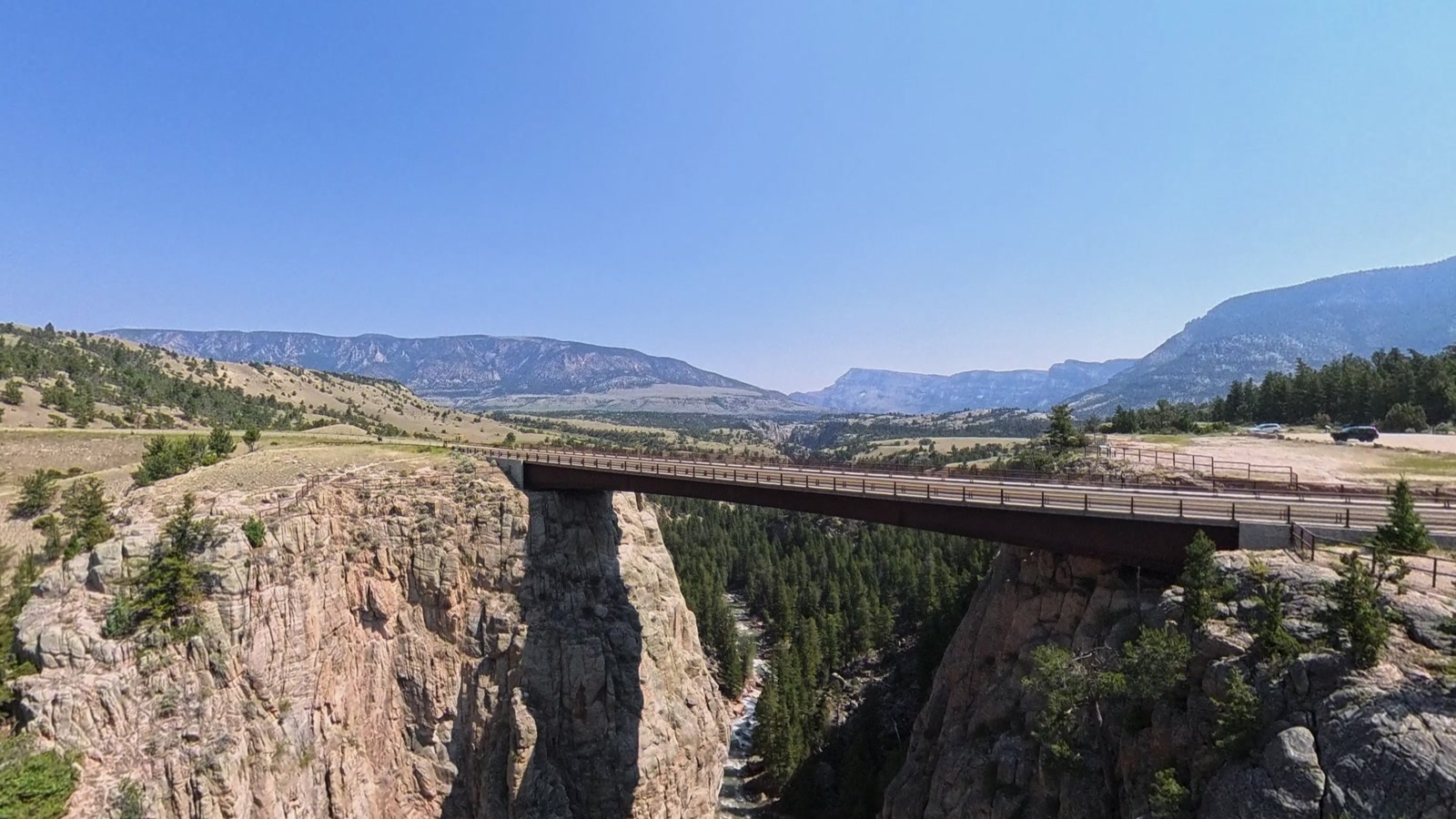
That is what the Follow Me Bundle changes. Now the drone can shoot me with nobody else on the controls. To me that makes the A1 more powerful and a lot more flexible, as long as you take the right precautions and pick open spaces to do it in.
Landing happens from the wrist too. You get up to 23 minutes per flight (less in wind), and the Watch Remote and Ring Remote each run more than five hours, so they will outlast the ride.
The Bottom Line
I have been using drones on this channel for years, and I don’t want to be a drone pilot. I want to tell a story. What I want is a second camera operator getting a better shot, and that is why I honestly use and rely on the Antigravity A1.
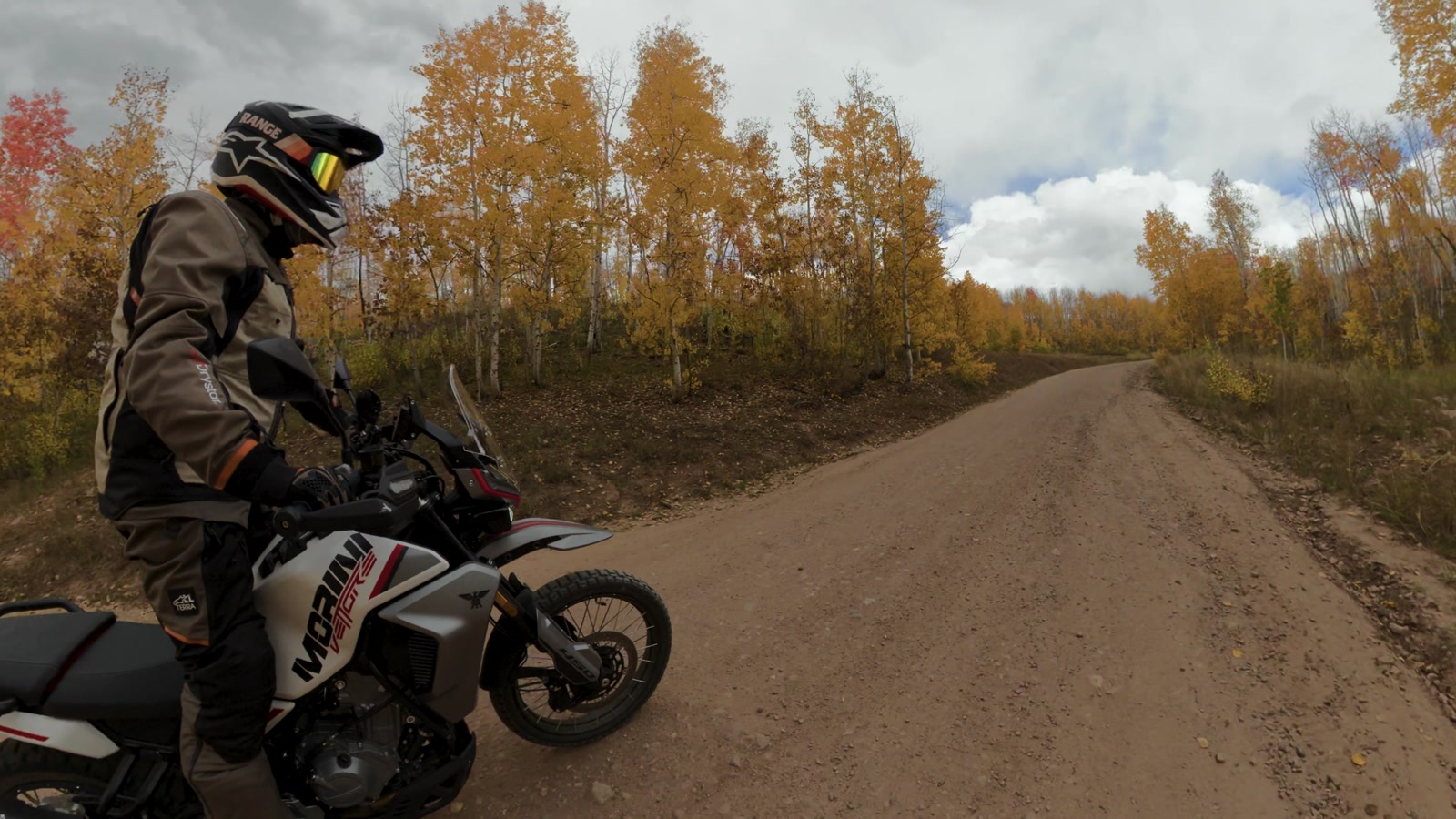
Riding a motorcycle is cool. You are out doing something most people don’t know how to do, and you want to share a little of that with your friends, your family or the whole internet. The A1 lets you do it. It works, it’s very easy to operate, and the results are incredible.
Buying the Antigravity A1 Follow Me Bundle
If you are in the US, buying from the official Antigravity store gets you a 15-day return window (with some exceptions) and access to local US return, repair and care service, with repair pricing posted online. That coverage includes drones that have already been activated. The bundle is also on Amazon. Use code AGRUQE5 at checkout.