RiderNav R7X Review: The Simplest Motorcycle CarPlay Install Yet
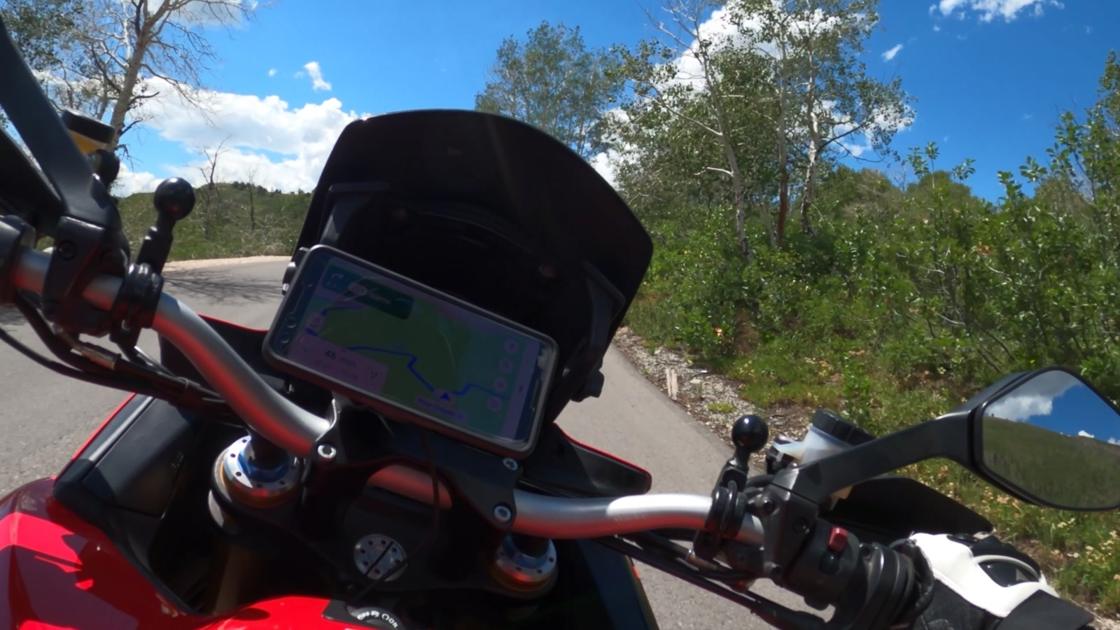
If you are still clamping your phone to your handlebars, you are playing a risky game with a very expensive camera. Modern smartphones focus with tiny, delicate image-stabilization motors, and the high-frequency buzz coming through a set of bars will eventually shake those sensors until the autofocus quits for good. Add navigation at full brightness in direct sun and the phone turns into a little oven, overheating and shutting down right about the time you need the next turn. That is assuming it does not simply launch itself off the bike on the highway first.
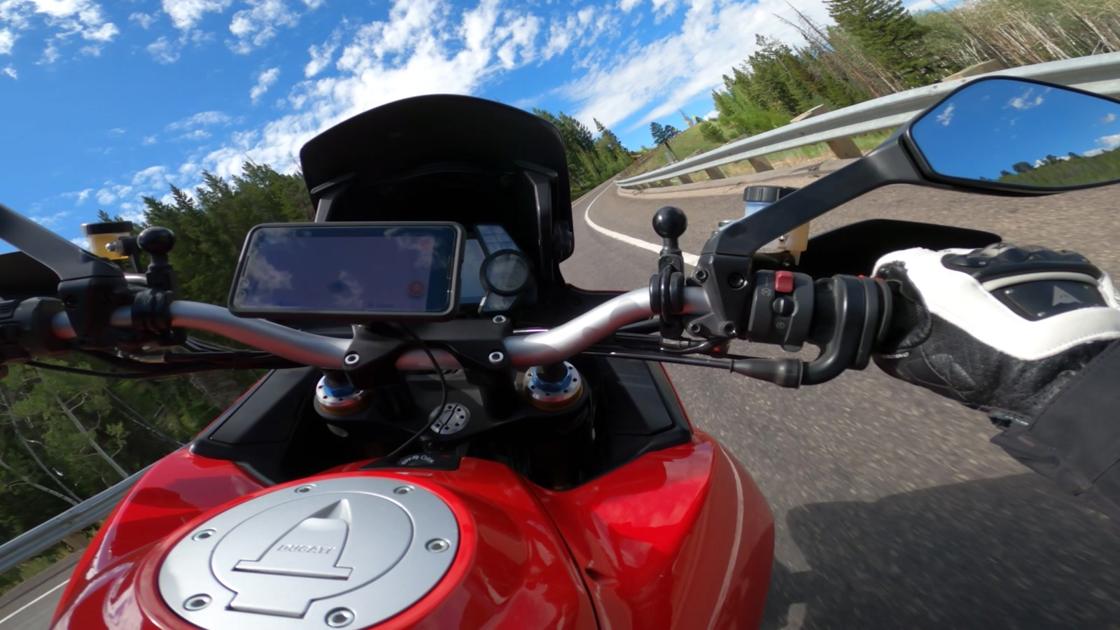
Why not just buy a motorcycle GPS?
You could. I have. The problem is that most dedicated motorcycle GPS units cost $600 to $800 for hardware that feels ten years old on a good day. The processors are slow, the screens are dim, and updating the maps usually means dragging the unit inside and plugging it into a desktop computer like it is 2005. They are tough, and they are waterproof, but they are a long way behind the phone in your pocket.
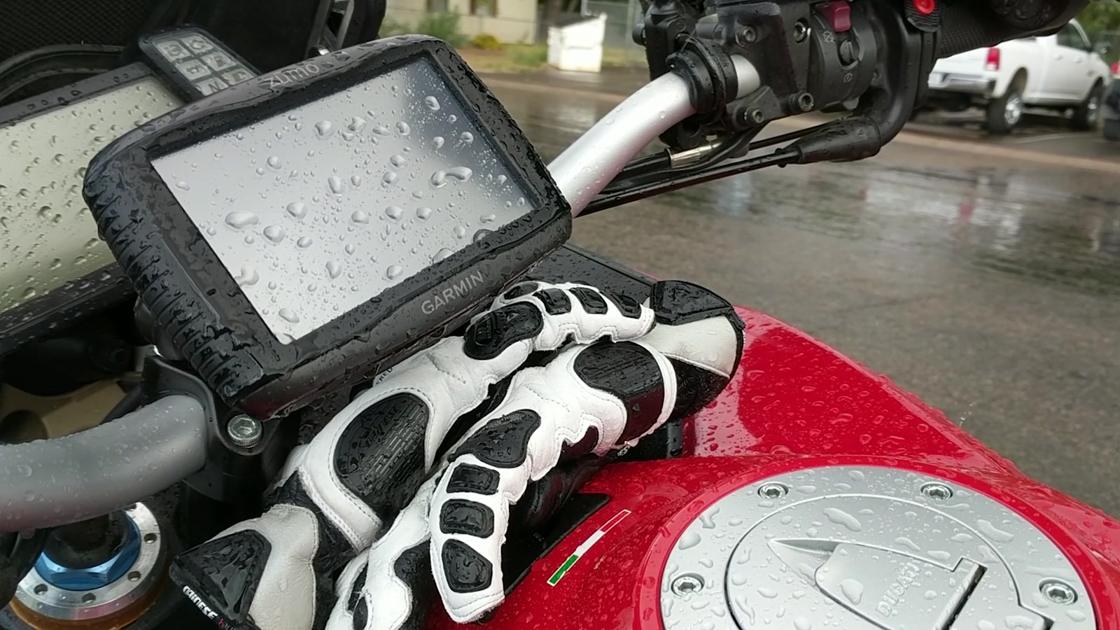
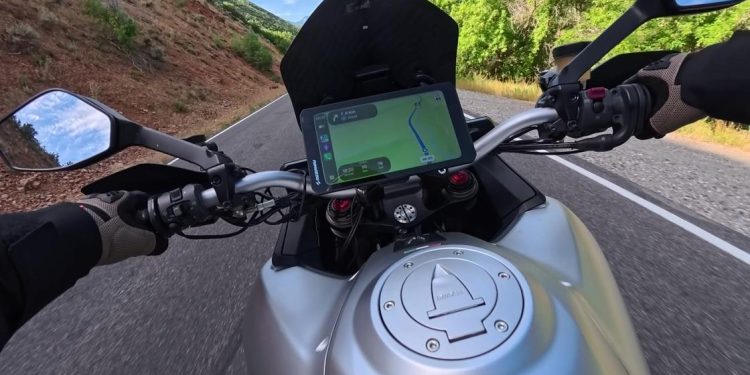
That is the gap the RiderNav R7X is aimed at. It is a dedicated, weatherproof 7-inch touchscreen that mounts to your handlebars and connects wirelessly to Apple CarPlay or Android Auto. Your phone stays safe and cool in your jacket, and you get smooth navigation, live traffic, calls, and music controls right on the dash, exactly the way CarPlay works in your car.
7-inch 1280 x 720 IPS touchscreen, 1,200 nits
Wireless Apple CarPlay and Android Auto
IP69K dust and water rating, minus 20 to 60 C operating range
Quick-release handlebar cradle, 12 to 18 V hardwire (USB-C backup power)
Action camera control for GoPro, Insta360 and DJI
Optional TPMS sensors, Wi-Fi over-the-air updates
About $389 at the time of writing (18-month warranty, 90-day money-back)
A few of those numbers matter more than they look. The 1,200-nit panel is the difference between reading a map under harsh afternoon glare and squinting at a black rectangle. The IP69K rating means heavy downpours and even a pressure washer at the car wash should not bother it. The quick-release cradle means that when you park at a cafe, the whole unit pops off in seconds and goes in your pocket, so nobody walks off with it. Beyond mapping and audio, it can trigger recording on GoPro, Insta360 and DJI action cameras straight from the screen, and you can add optional sensors to watch tire pressure and temperature in real time. Software updates come over Wi-Fi with no cable in sight.
In short, you get the modern software of your smartphone without risking a $1,200 camera every time you thumb the starter.
Installation: it comes down to two things
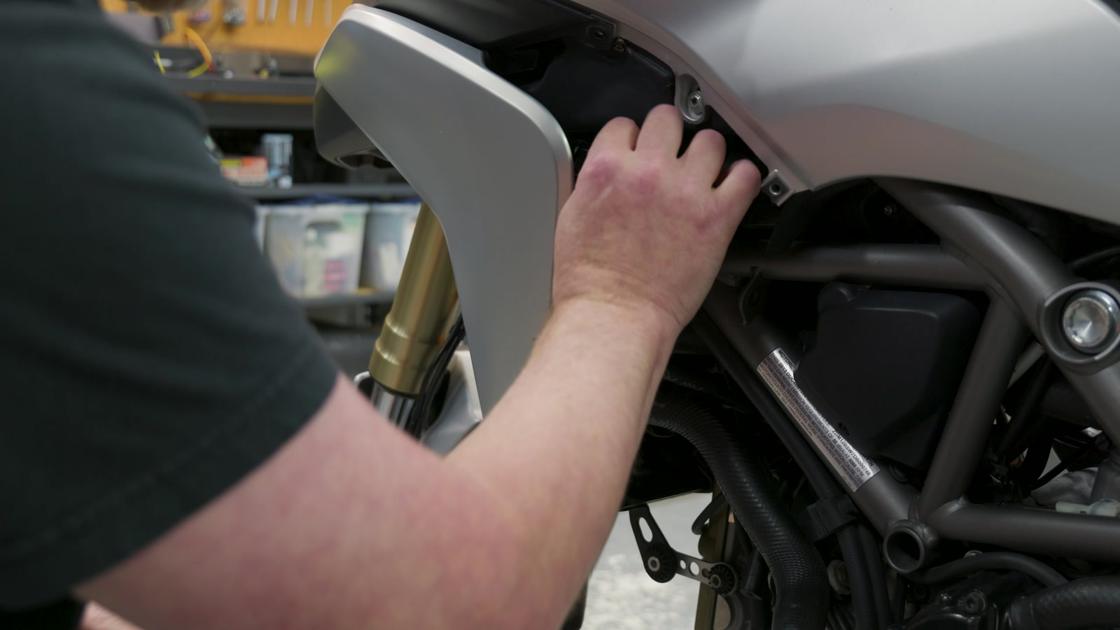
Wiring the R7X into the bike is really just power and mounting. For power you have the standard battery leads for main power, but you also want to tap into a switched source so the unit shuts down cleanly when you turn the key off. My go-to spot for switched power on most bikes is the license plate light. On this Multistrada there is already a switched power source waiting under the side cover, which made it even easier.
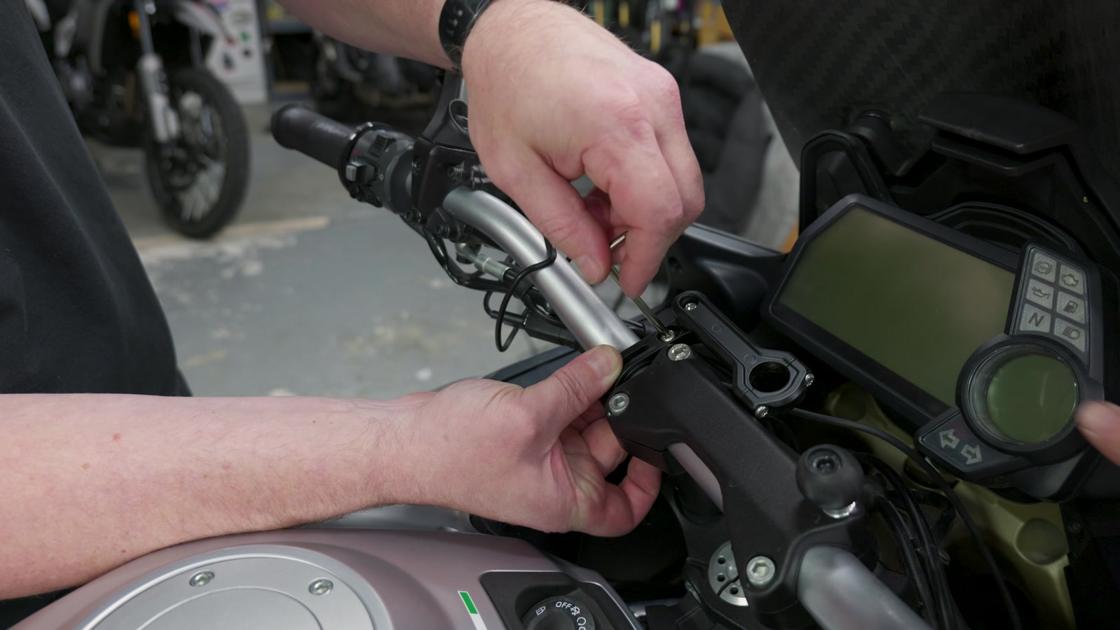
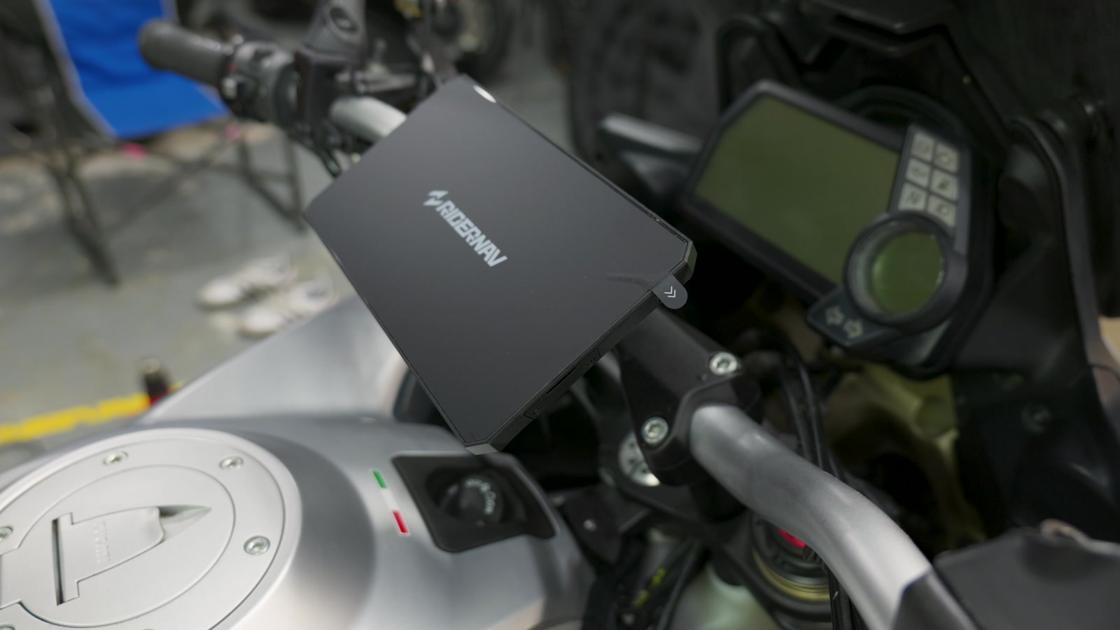
Then the display goes on the bars. The RiderNav comes out of the box with everything you actually need for the install, and the cradle still leaves enough freedom to customize the position and angle to your taste. Because the whole system is so straightforward, the job took a fraction of the time these installs usually demand.
On the road: East Canyon in the worst possible light
With the install done, the first job was navigation. I punched in Utah Motorsports Campus, not because I was going there, but because a long route gives you a good look at how the map behaves on screen, and honestly that is mostly how I intend to use this thing. We left the gravel pullout behind and headed down East Canyon with the sun right up my back, about as harsh and unflattering as the light gets.
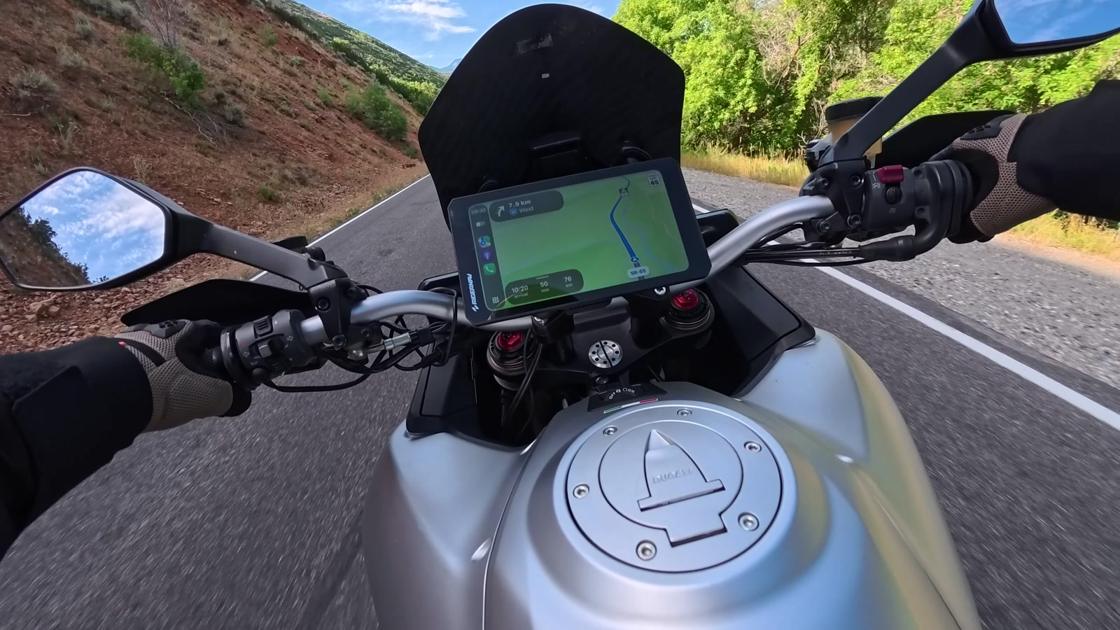
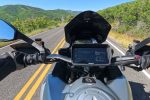
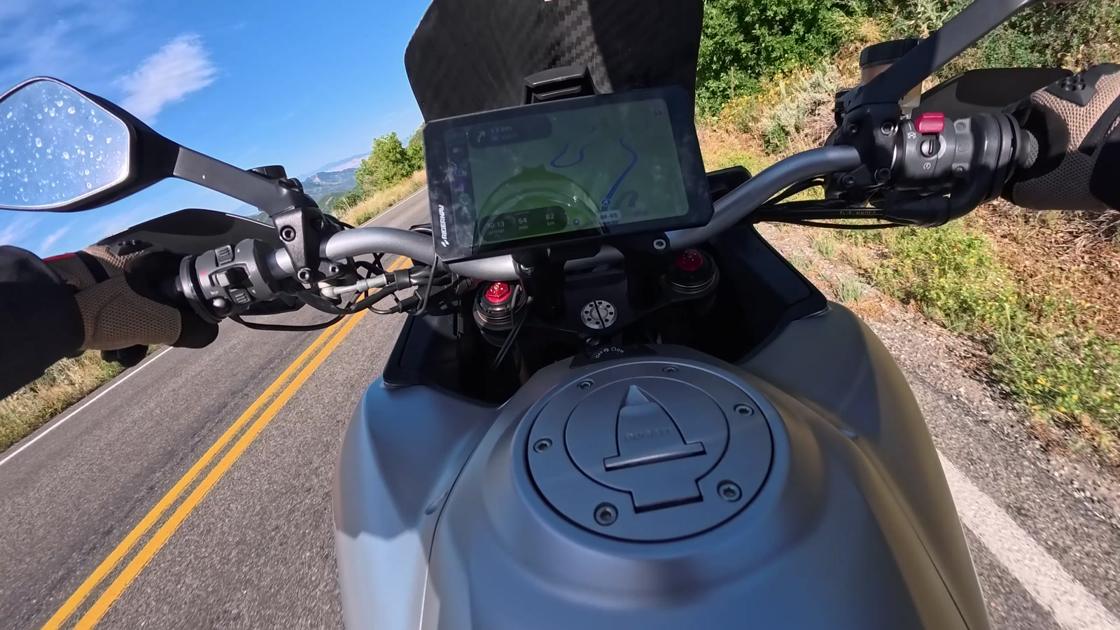
And it looked fantastic. Every bit of detail on the map was legible on that big 7-inch screen. It is genuinely stunning, to the point where you can almost use the map to read the road ahead and set up for a corner. Just as important is how smoothly it scrolls. Some of the slower processors in these systems stutter and jitter when the map swoops through big U-turns and S-curves in a canyon. This one is butter smooth, and the way the map glides across the screen is honestly pretty to watch. RiderNav sells an optional sun shield for it. The screen is so bright I am not convinced it needs one.
Living with the software
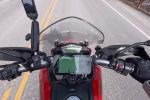
The thing I appreciate most is how easy it is to get back and forth between CarPlay and the R7X’s own screen. Inside CarPlay, you tap the corner button and there is a big, obvious Exit button. Press that and you are back in the RiderNav interface. There you get a speedometer with a big green arc, which is a speed line rather than a tachometer, plus voltage (14.4 volts on this bike at the time) and, if you have the sensors, tire pressure and temperature on the right side of the screen. I opted for CarPlay only, because that is what mattered most to me, but the native screen is a good-looking piece of software.
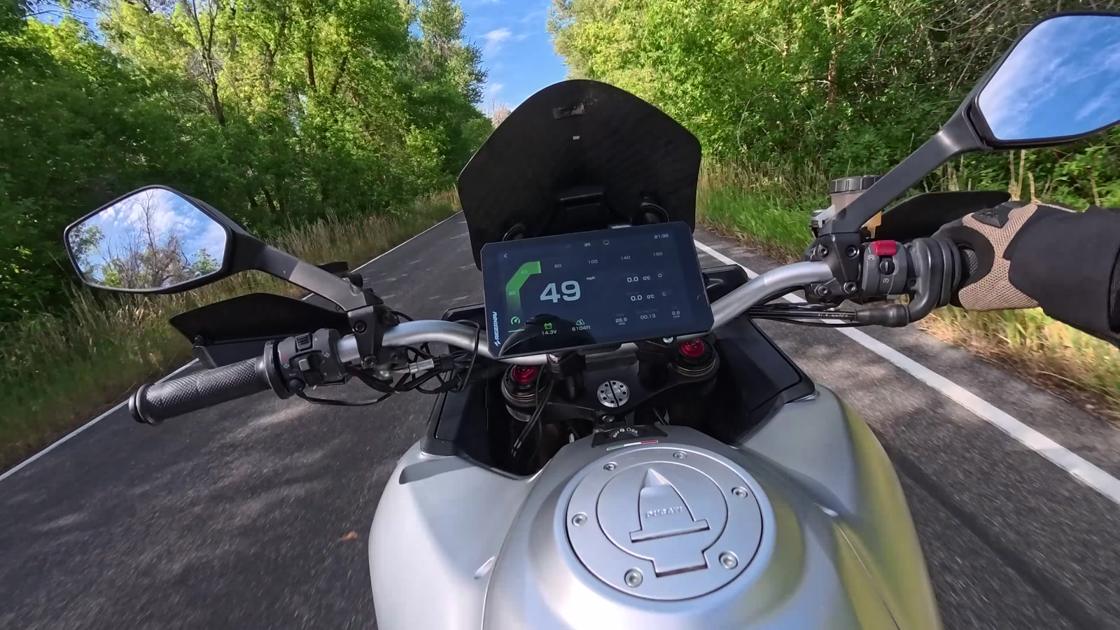
Hit the back button and the little gear takes you into settings: headset, GPS, language, and under More you can switch between miles and kilometers or Fahrenheit and Celsius depending on where you live. The speedometer icon takes you back to the main speed screen, and the little monitor icon takes you straight back into CarPlay. Everything is where you would expect it, and it all works with gloves on.
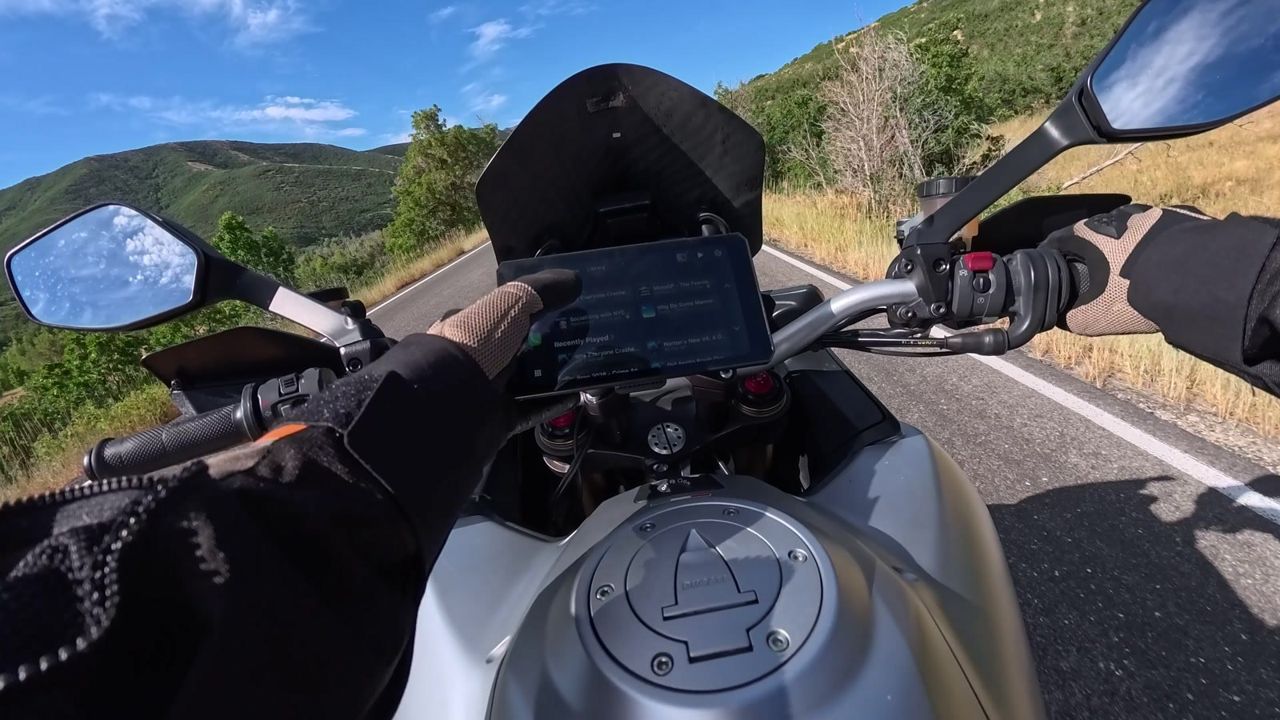
Once you are in CarPlay, well, you already know how CarPlay works. The map picks up right where you left it. I can put on my favorite podcast, or the CanyonChasers podcast, for a boring commute or a long freeway slog. My audiobook is right there (Dungeon Crawler Carl, book four, chapter one, for anyone keeping track of Princess Donut). All of my music playlists are a tap away. That CarPlay functionality is what I was really after. You are used to it in the car, you want it on the motorcycle, and honestly I think it is a little less distracting than fighting a phone. It paired instantly, it is fast, and it refreshes quickly.
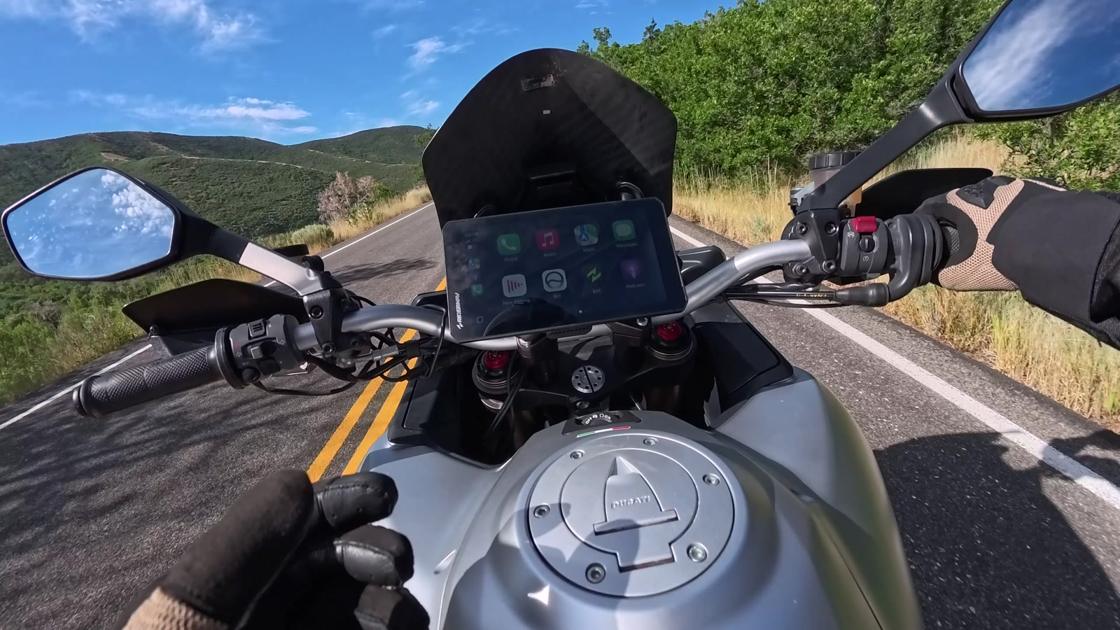
Out of all the motorcycle CarPlay systems we have tested on this channel, the R7X stands out for its simplicity. It was easily the simplest install of any unit we have put on any bike.
What I would change
There is a lot to like here. The display is huge, which makes it easy to read at a glance while riding. The quick release is one button and the unit is in your hand, so pulling it off at a gas stop or a lunch stop is effortless. The mounting system is simple but still gave me enough flexibility to dial in the position I wanted.
If I could change one thing, it is the color scheme. I am not in love with the green. I would really like a software option to change the base color so you could match it to your bike, red or blue or whatever you happen to love. Being locked into green is not my favorite thing, and it is a small enough ask that I would not be surprised to see it show up in a future update.
The verdict
The R7X offers various add-ons, but at the end of the day what I really care about is solid CarPlay with seamless navigation, and the RiderNav gives you exactly the features you actually want at a very fair price. Having tested plenty of these systems over the last couple of years, this one checks a lot of boxes for us. Even the thing that trips up a lot of these units, switching between the CarPlay screen and the native information screen, is one of the simplest I have used: a giant Exit button on one side, a little TV-screen icon on the other.
I really do not have any complaints about the core functionality. I could talk on and on about how big it is, how bright it is, and how easy it is to see while you are riding. If you have been clamping your phone to the bars and hoping for the best, this is the better way.
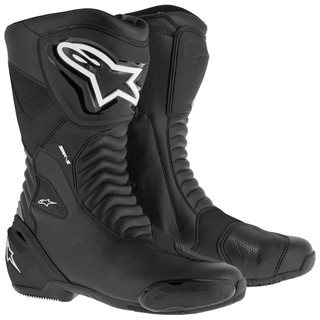
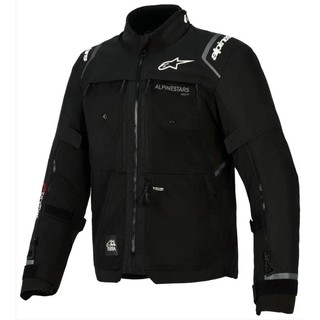
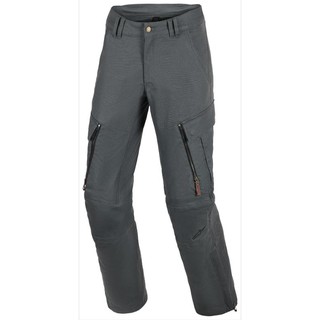
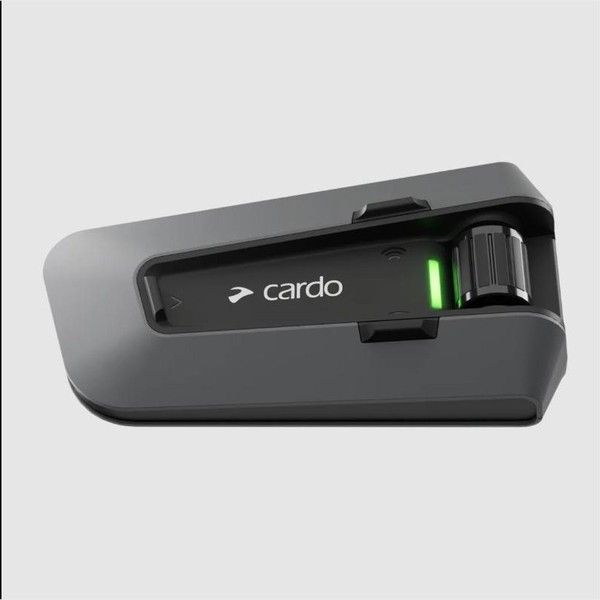
Gear in This Video
Affiliate links through RevZilla. Buying through them costs you nothing extra and helps keep the channel rolling.